OpenAI Whisper
90%+
accuracy
Strong for English and everyday recordings when you want fast, reliable results.
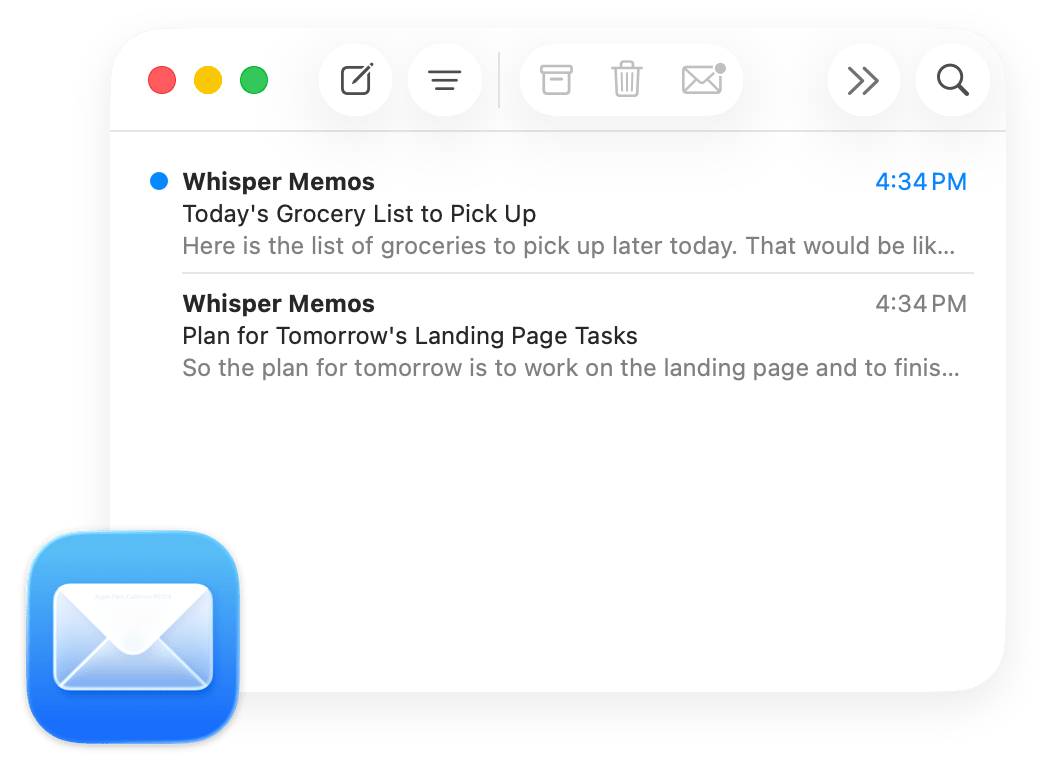
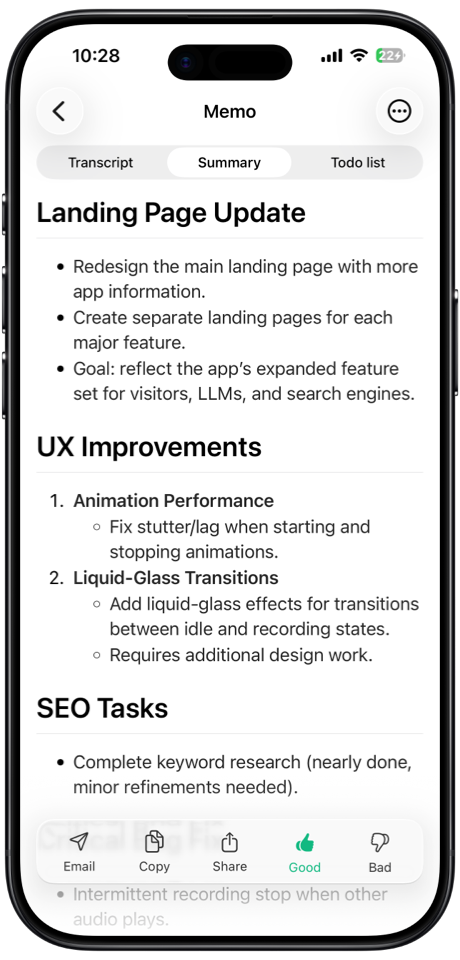
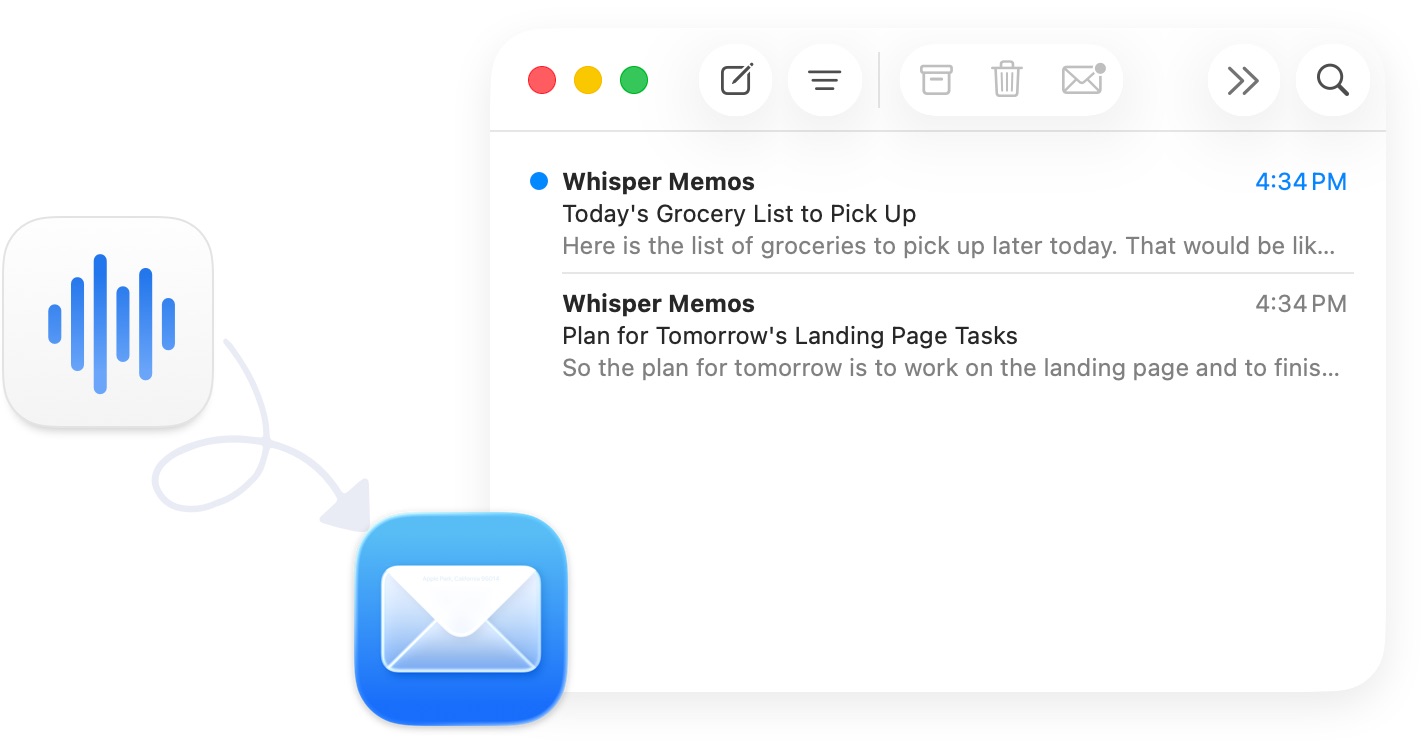
Record audio memos on your iPhone and Apple Watch, and receive well-formatted emails seconds later.


from our users
Real reviews from the App Store. Here's what people say about using Whisper Memos to capture their thoughts on the go.
zero friction
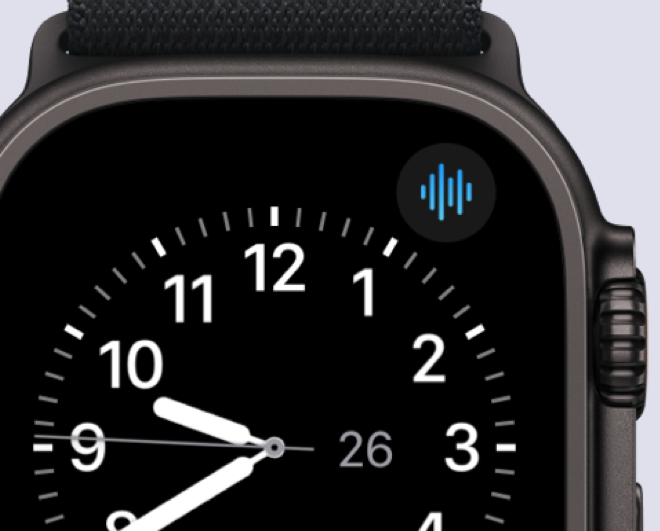
Ideas are fleeting, so we offer plenty of ways to start recording immediately, no matter where you are – walking, driving, sleeping or doing sports.
capture and go
Capture your thoughts in a second. By default, all memos are sent to your email so you can decide what to do with them later.
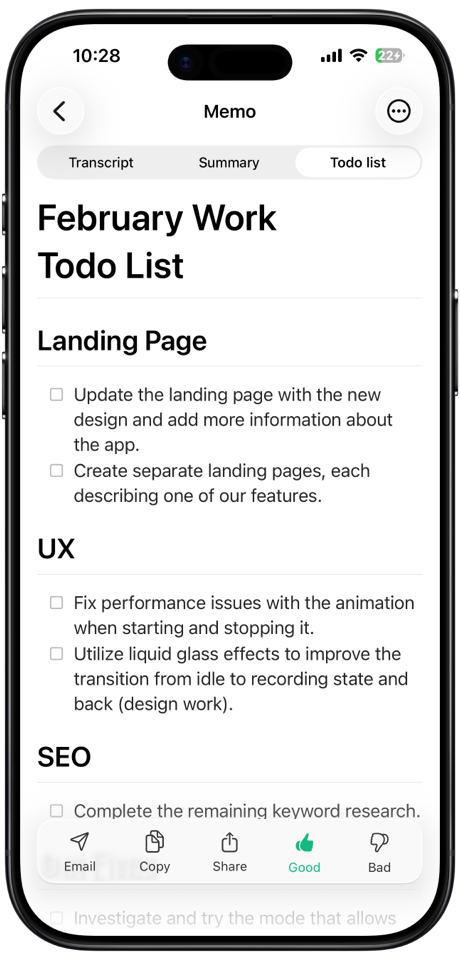
Meeting mode
Record a conversation and get a clear transcript organized by speaker. Perfect for meetings, interviews, and classes.
Whisper Memos separates the transcript by speaker, then gives each person a name and color. Record from your iPhone or Apple Watch.
pristine accuracy
Whisper Memos uses the latest and most accurate AI models to transcribe your recordings, so you get near-perfect results every time.
Strong for English and everyday recordings when you want fast, reliable results.
Especially good for accents, multilingual speech, and tougher transcription cases.
Blazing fast and tops the Open ASR Leaderboard. Great for clear, accurate transcriptions across 14 languages.
import audio
Already have recordings? Import audio files from your phone, computer, or any app and get the same accurate transcriptions and AI summaries.
Pick any audio file from your phone or iCloud Drive.
Share audio from any app directly into Whisper Memos.
Copy an audio file and paste it right into the app.
Supports MP3, M4A, WAV, AAC, and FLAC files up to 100 MB
reminders
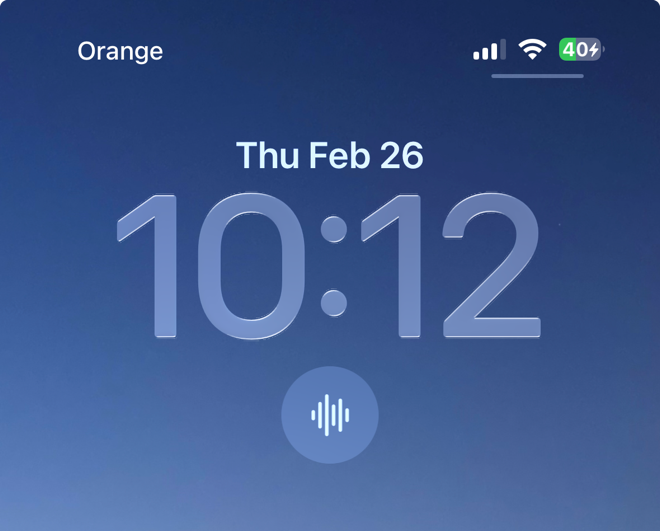
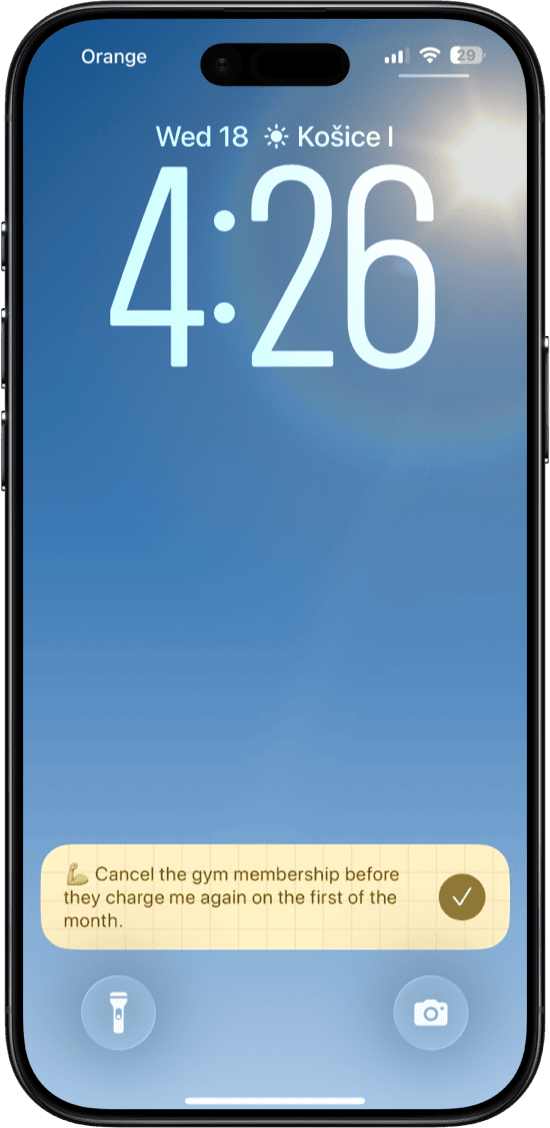
Start any memo with "Remind me to..." and Whisper Memos will pin a reminder to your lock screen until you dismiss it.
Capture what you need to do the moment it hits you, and let your phone remember it so you don't have to. No more lost thoughts.
To turn it on, go to Settings → Integrations and enable Pinning.
integrations
Integrate with any app through built-in integrations, Mail Drop or by connecting with Zapier.
Forward memos via Mail Drop to automatically create to-dos from your voice notes.
Send memos to Trello via email-to-board to turn voice notes into cards.
Use the built-in Notion integration to save transcriptions directly to your workspace.
Send memos straight to Reflect using the built-in integration for effortless note capture.
Forward memos via Mail Drop to capture ideas in your Drafts inbox instantly.
Automatically save all your memos and transcriptions to iCloud for easy access anywhere.
Forward memos via Mail Drop or Zapier to create tasks from your voice notes.
Send memos to Day One via Mail Drop to build a voice-powered journal effortlessly.
Forward memos via email to save transcriptions and summaries in your notebooks.
Connect Whisper Memos to thousands of apps with automated Zapier workflows.
agents
Agents are named automations in Whisper Memos. Instead of sending every memo to the same inbox, you can create one for tasks, one for journaling, one for your team, and more.
Give it a name like Jack or Emily, then choose what should happen to memos sent to that agent.
For example: “Hello Jack, remind me to take out the trash and clean the bathroom.”
The memo can go to email, your task app, your notes app, Zapier, or another destination automatically.
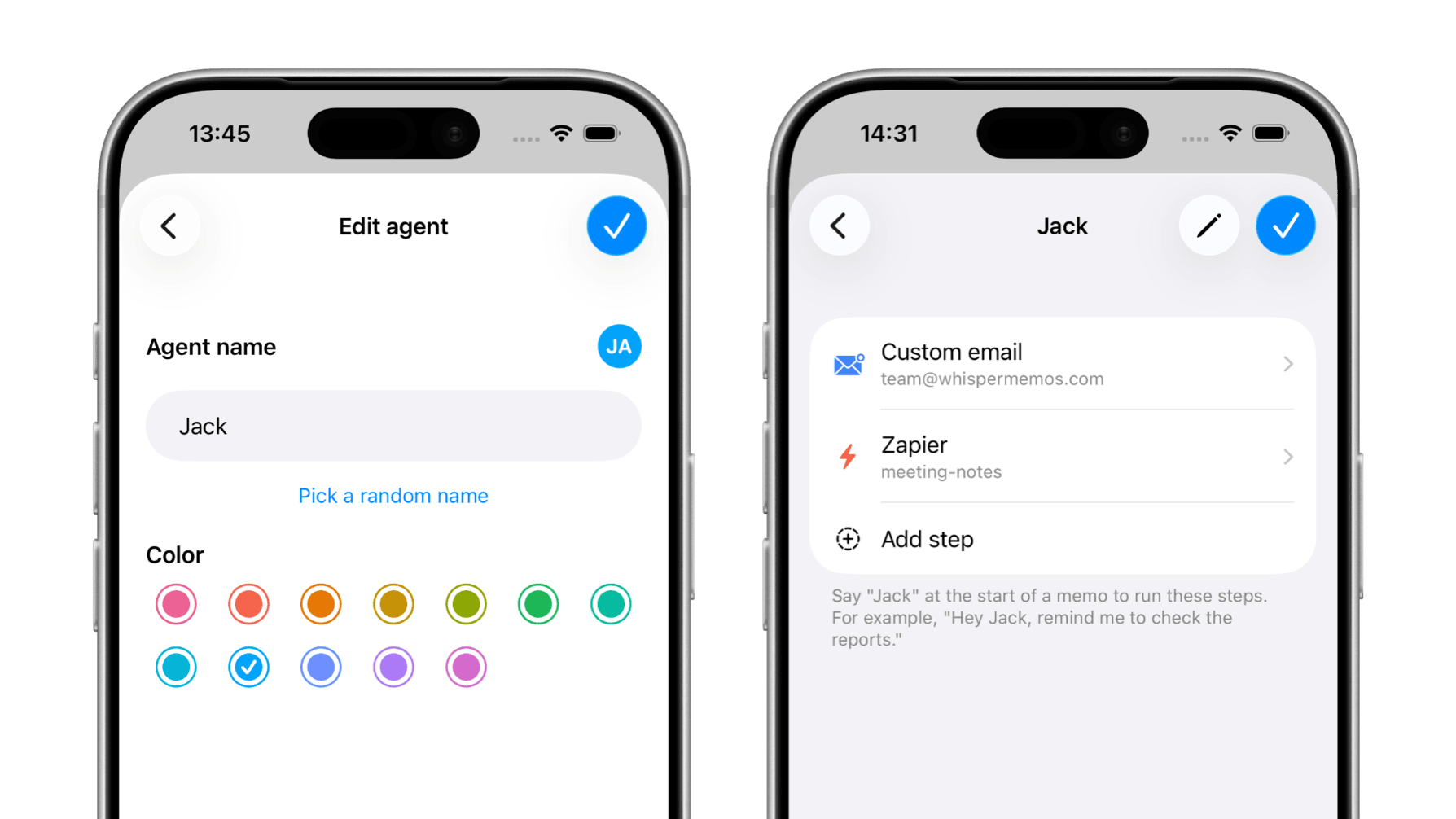
Example: create an agent named Jack and use it to send task memos straight into your workflow.
use cases
Whether you need to transcribe voice memos, capture meeting notes, keep an audio journal, or dump a fast-moving ADHD thought.

Capture fast-moving thoughts before they disappear. Whisper Memos can turn that brain dump into a clean summary you can actually use later.

Record in-person conversations, interviews, and quick debriefs, then get clear notes with action items and a transcript you can keep or share.

Talk through your day on a walk, before bed, or whenever writing feels too heavy, and turn that voice journal into a readable entry.

Dictate drafts, reminders, outlines, or long-form ideas and receive clean text by email without cleaning up a rough transcript yourself.

Record lectures or classes and turn them into searchable notes with a useful summary afterwards.

Speak errands, follow-ups, and reminders the moment they occur, then send them to your inbox or task app.
pricing
Get more features for less. Here's how Whisper Memos stacks up.
Whisper Memos $69.99/yr | Granola $168/yr | Otter.ai $100/yr | AudioPen $99/yr | |
|---|---|---|---|---|
| Unlimited recordings | 1,200 min | |||
| AI summaries | ||||
| Speaker-separated meetings | iPhone only | - | ||
| Apple Watch app | - | - | - | |
| Siri & Shortcuts | - | - | ||
| Email delivery | - | - | - | |
| Custom summary prompts | ||||
| Import audio files | - |
Annual plan prices fetched from official websites in February 2026.
FAQ
Whisper Memos offers two AI transcription models: OpenAI Whisper and ElevenLabs Scribe, which delivers up to 96.7% accuracy. Both handle accents, background noise, and natural speech well. You can switch between them in the app settings.
Each recording can be up to 90 minutes long. There are no daily limits on the number of memos you can record - all plans include unlimited memos.
Yes. Turn on Meeting mode while recording to get a transcript organized by speaker. Afterward, you can give each speaker a name and color so the conversation is easy to follow. Meeting mode works on both iPhone and Apple Watch.
You can record memos offline - the app saves them locally and uploads for transcription once you're back online. This works on both iPhone and Apple Watch, so you can capture thoughts anywhere.
Over 50 languages including English, Spanish, French, German, Italian, Portuguese, Japanese, Chinese, Korean, Arabic, Hindi, and many more. The AI models are trained on multilingual data, so accuracy stays high across languages.
Yes. The Apple Watch app works standalone - you can record memos directly from your wrist, even without your iPhone nearby. On cellular models, memos upload immediately. On Wi-Fi-only models, they sync the next time your watch connects.
Yes. You can import M4A, MP3, WAV, AAC, FLAC, and OGG files into Whisper Memos and they'll be transcribed and summarized just like a recording you made in the app.
Beyond the default summary, you can create custom summaries with your own AI prompts. For example, a "To-do list" summary that extracts action items, or a "Top of mind" summary that organizes your thoughts by topic.
Your recordings are processed by AI for transcription and then stored securely. Whisper Memos also offers a private mode that automatically deletes the transcript after it's been delivered to you, so nothing is stored on our servers.