April 2026
Whisper Memos can route a memo automatically when you address it by name, sending it to email, Reflect, Cursor, Zapier, and more.
Email delivery is one of the most popular features in Whisper Memos. You record a voice memo, and it shows up in your inbox.
But email is not always the right destination. Many people forward memos to Things, Reflect, Notion, or other apps after the fact. Agents make that automatic.
An agent is a named automation. You create one in Settings → Agents, give it a name and color, and define the steps it should run.
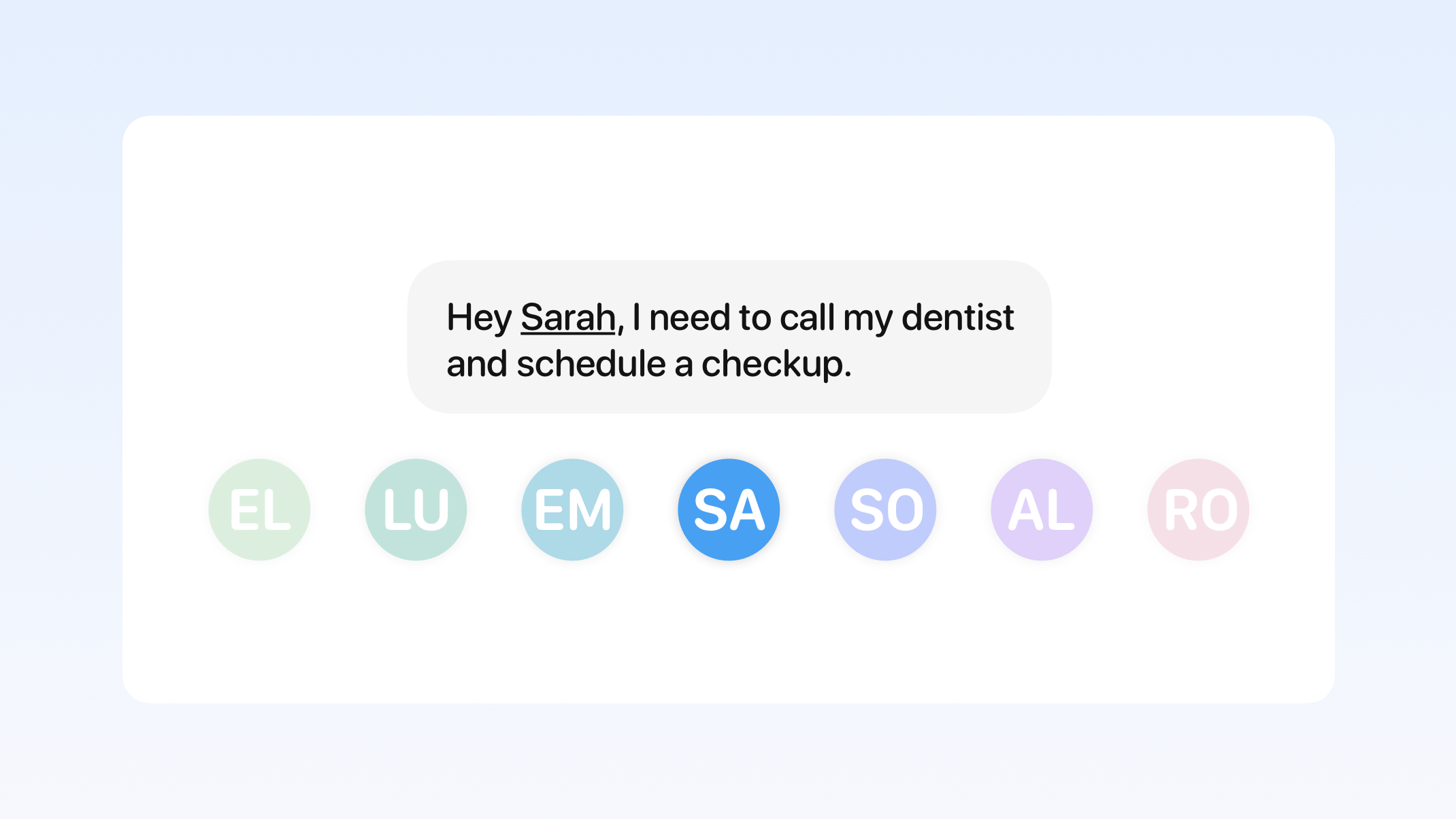
When you record a memo, Whisper Memos listens to what you say. If you start with an agent name, like "Hello Jack…", the app automatically picks that agent and runs its steps on the memo.
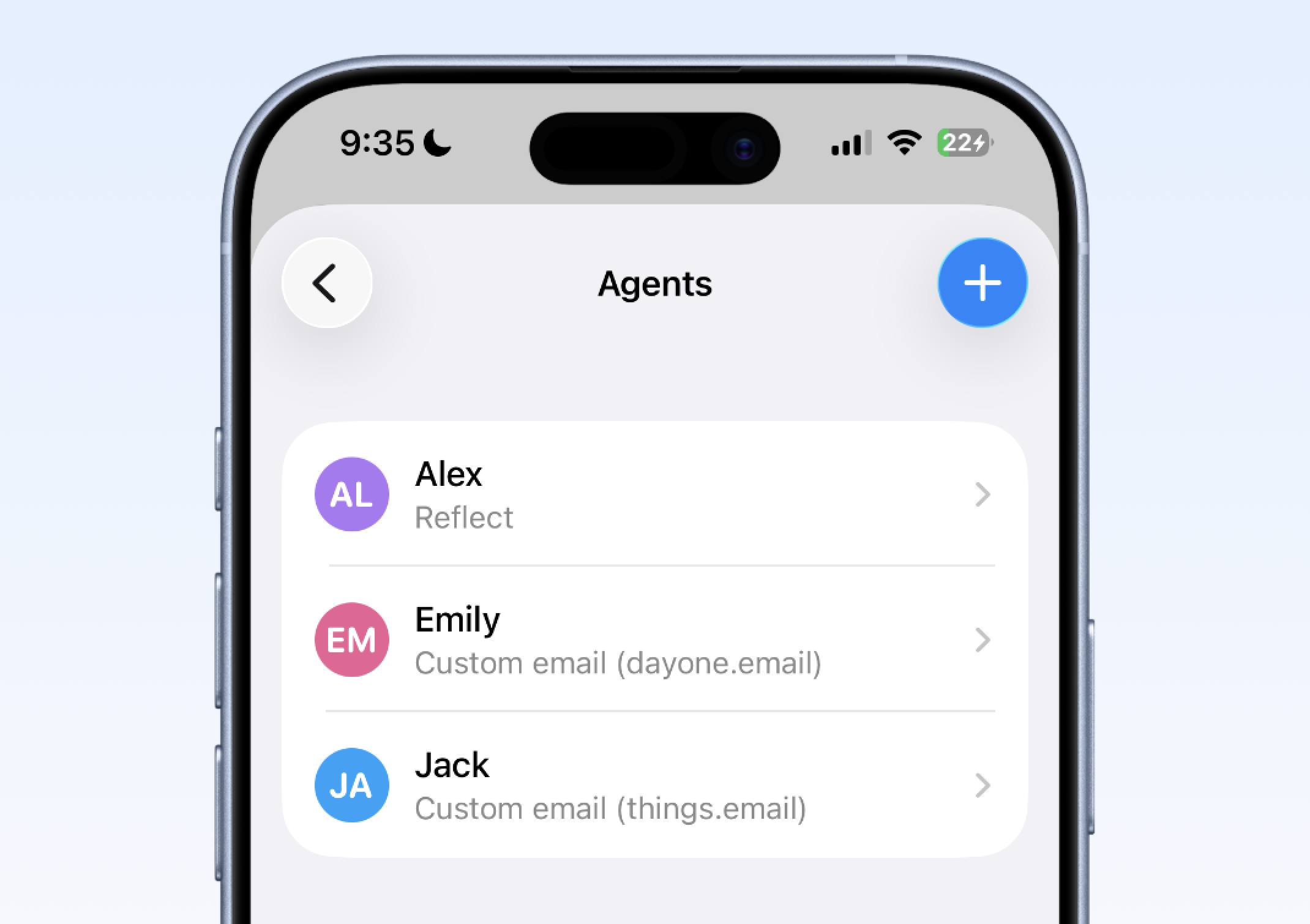
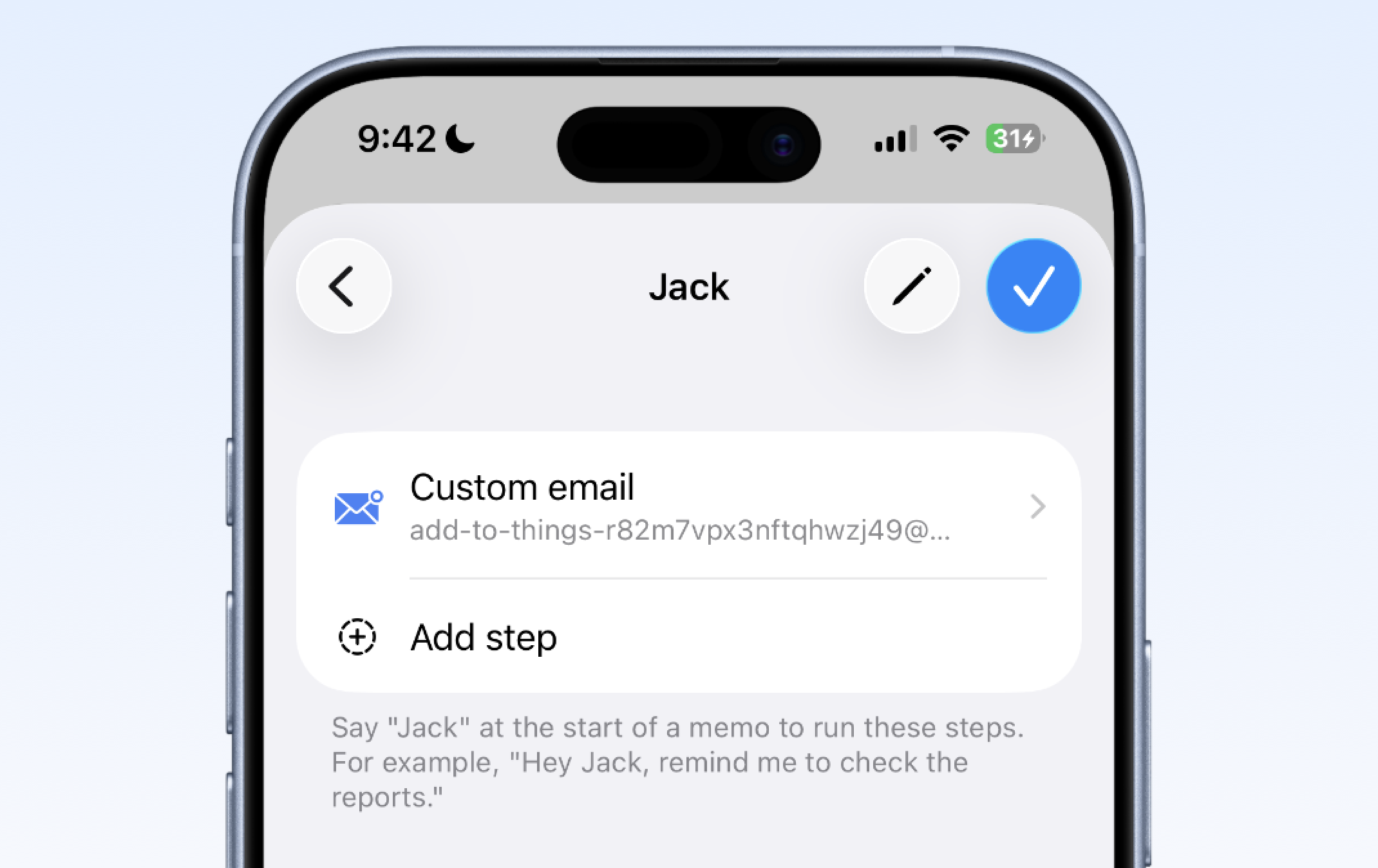
One simple setup is creating an agent that sends tasks straight into Things. Create an agent called Jack, add a custom email step, and point it at your Things mail-drop address.
Then say something like "Hello Jack, today I need to take out the trash and clean up the bathroom". That routes the memo into Things without any manual sorting.
Agents can combine multiple actions, so one memo can be routed differently depending on what you are trying to capture.
| Step | What it does |
|---|---|
| Summary | Create a shorter or differently formatted version first using the default summary or one of your custom summaries. |
| Default email | Send the memo to the same inbox you already use for regular Whisper Memos delivery. |
| Custom email | Send the memo to any email address, including Things or Day One. |
| Reflect | Save the memo directly to your Reflect notes. |
| Cursor | Hand the memo to Cursor as a coding task. |
| Zapier | Trigger any Zapier workflow and fan out into thousands of apps. |
| Lock screen reminder | Pin the memo as a persistent notification. |
The summary step runs before delivery steps. You can choose the default summary or one of your custom summaries from Settings → Summaries.
This is useful when the raw transcript is not the best format for the destination. For example, you can turn a spoken brain dump into a clean to-do list, meeting brief, or journal entry before sending it on.
A summary step and to-do extraction solve different problems. Summary rewrites the whole memo first. To-do extraction pulls individual action items out of a longer memo and sends them separately.
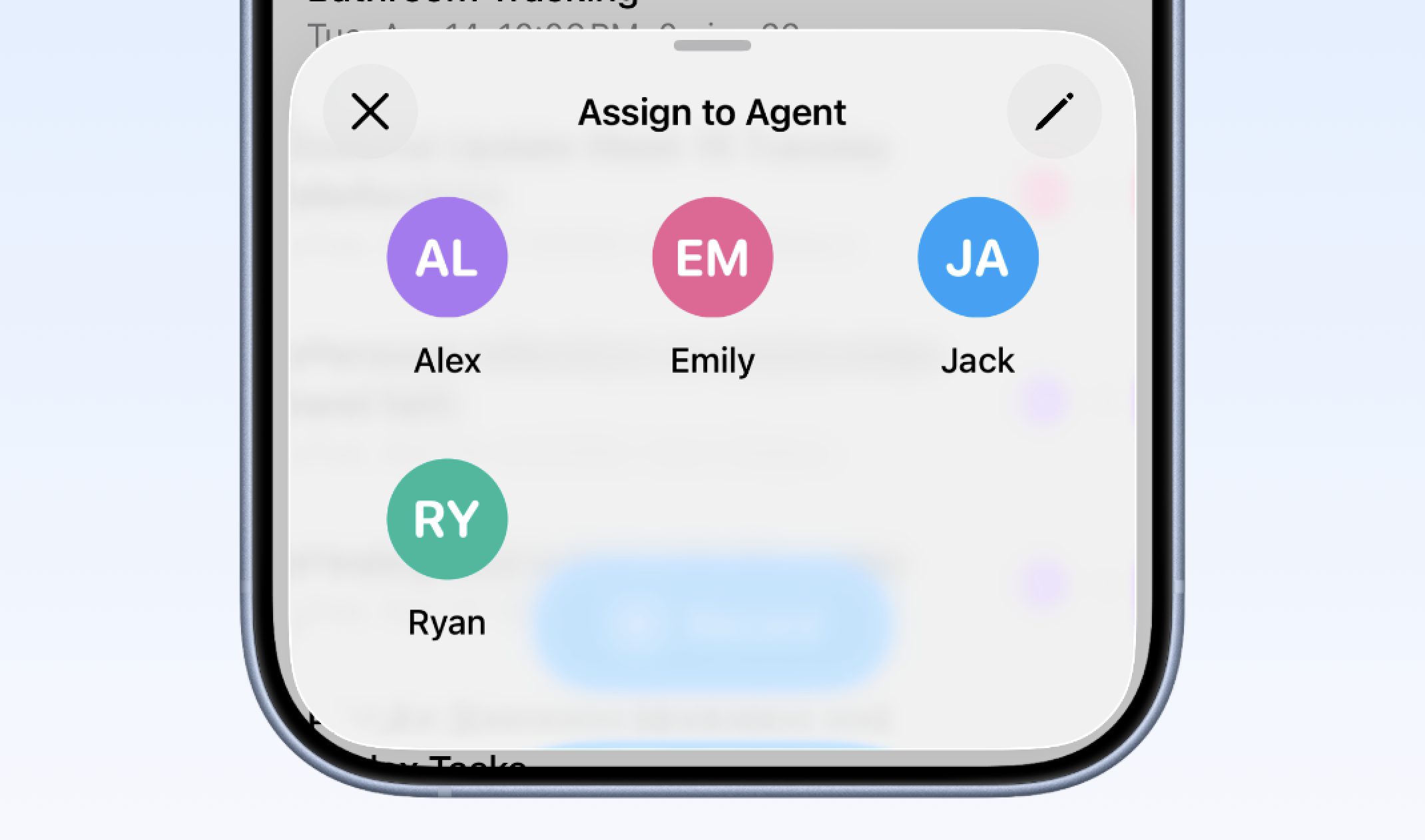
If you forget to say the agent's name while recording, you can still apply it later. Long-press any memo and choose Assign to agent, and Whisper Memos will run the same steps on that memo afterward.
Open Settings → Agents, tap the plus button, and build your first agent.