October 2023
Introducing iOS Shortcuts support with Action Button and Siri integration
Taking quick capture a step further, Whisper Memos now supports iOS Shortcuts. That means you can start recording with a tap, a hardware button, or a voice command.
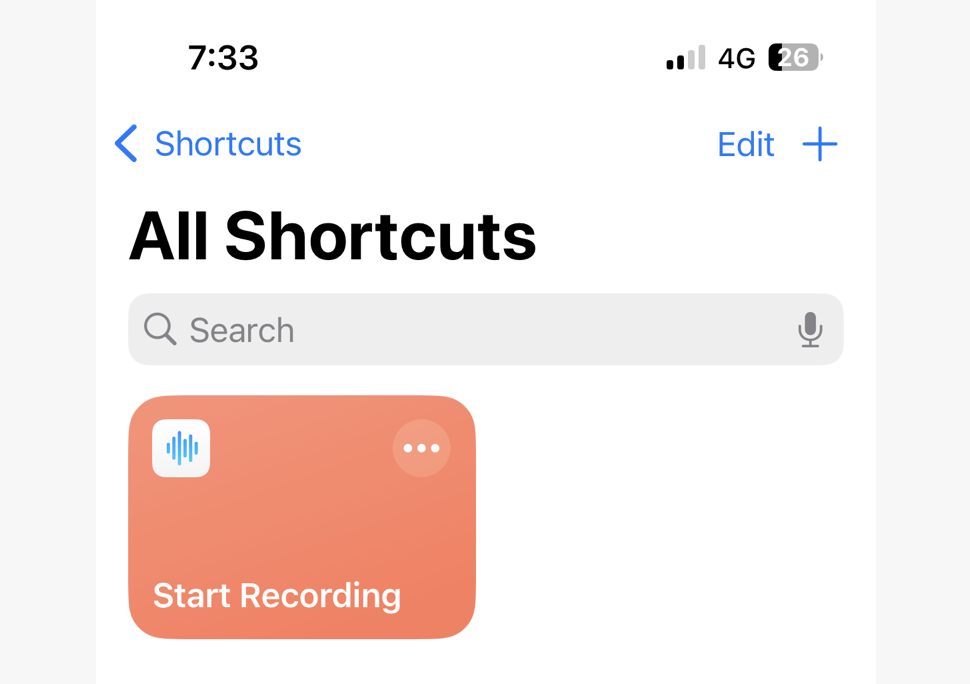
If you want it available on Apple Watch too, long-press the shortcut, open Details, and enable Show on Apple Watch.
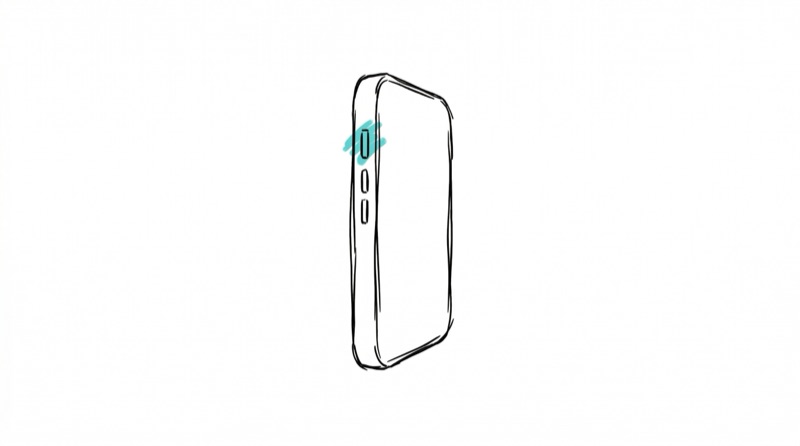
On iPhone 15 Pro and Apple Watch Ultra, you can assign the Action Button to your new shortcut for one-press recording.
If your phone doesn’t have an Action Button, you can still map your shortcut to double-tap on the back of the device in Settings > Accessibility > Touch > Back Tap.
With your phone unlocked, you can simply say Hey Siri, start recording and Whisper Memos will begin capturing your note.