
Apple Watch transcription: Record a note and read it later

Vojtech Rinik
Founder of Whisper Memos

You think of something on a walk and want to jot it down. Your phone is in your pocket, but a quick note can turn into checking messages. Recording on your Watch lets you say what you need to say and carry on.
Whisper Memos is an Apple Watch transcription app that turns those recordings into text. You speak into your Watch, then read the transcript on your iPhone or have it sent to your inbox. Here's how to set it up and what to expect.
How to record and transcribe a note
- Open Whisper Memos on your Apple Watch.
- Tap the record button and speak.
- Tap stop when you're finished.
The app uploads your recording and transcribes it automatically. Once it's ready, open Whisper Memos on your iPhone to read it. If you've enabled email delivery, you'll also get a copy in your inbox.
You won't see words appearing on your wrist as you speak. Transcription happens after the recording uploads, so this works for notes you want to read later. If you need live captions during a conversation, Whisper Memos doesn't support that.
Add a recording shortcut to your watch face
Add the Whisper Memos complication to your watch face so you don't have to find the app each time. You can set it to start recording as soon as you tap the complication.
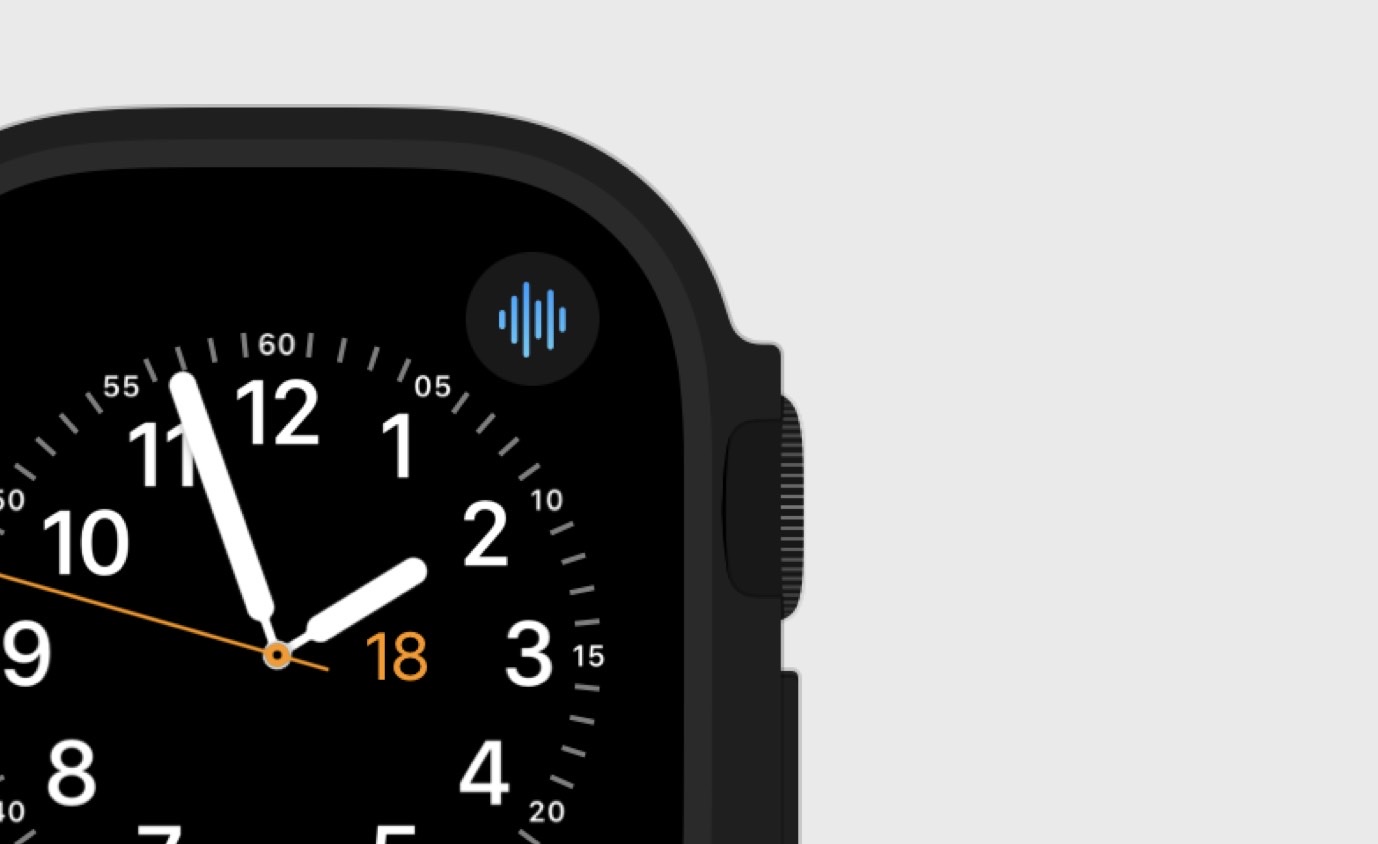
On an Apple Watch Ultra, you can also use the Action Button to start a recording. The Action Button setup guide walks you through it.
Does it work without your iPhone nearby?
Yes. You can leave your phone at home and still record on your Watch. If there's no connection to upload the audio, the app keeps it queued until a connection is available. You can record now, but you'll have to wait for the upload before you get a transcript.
What you get back
The transcript includes punctuation and paragraphs, so you can read through it or copy a passage into another app. Whisper Memos detects the language automatically, including when you switch languages between recordings.
You also get an AI summary. For a short note, the transcript may be all you need. For a longer recording where you've talked through several ideas, the summary helps you find the main points without reading the whole thing again.
What to record
Short notes are an easy place to start: an idea for work, something to pick up at the shop, or a question you want to ask someone. Include enough detail that the note will still make sense tomorrow. “Ask Sam about Friday's deadline” is more useful than “Ask Sam.”
You can also talk through a draft of an email or a paragraph you're stuck on. It doesn't have to come out neatly. Once you have the transcript, you can cut the rambling and keep the parts you like.
For journaling, try recording a few thoughts at the end of the day. There's no need to plan an entry before you start talking.
Try it on your Watch
I build Whisper Memos, so this guide focuses on our app. It comes with a generous free trial. Download Whisper Memos, record a short note on your Watch, and check the transcript on your phone. That should give you a feel for whether it fits how you take notes.
For recording directly on your phone, see our guide to voice to text on iPhone.
Frequently asked questions
Can Apple Watch transcribe voice recordings?
With Whisper Memos, your Watch records the audio and uploads it for transcription. You read the finished text on your iPhone or by email.
Can I record when my iPhone is not nearby?
Yes. If the Watch can't upload the recording straight away, Whisper Memos keeps it queued until a connection is available.
Does the transcript appear live on Apple Watch?
No. The audio needs to finish recording and upload before it can be transcribed. The Watch app doesn't display live captions or let you edit the finished transcript.
Can Whisper Memos summarize a Watch recording?
Yes. Watch recordings get an AI summary after transcription, just like recordings made on your iPhone.