Apple Watch Ultra has a dedicated Action Button that can be configured to start recording with Whisper Memos instantly.
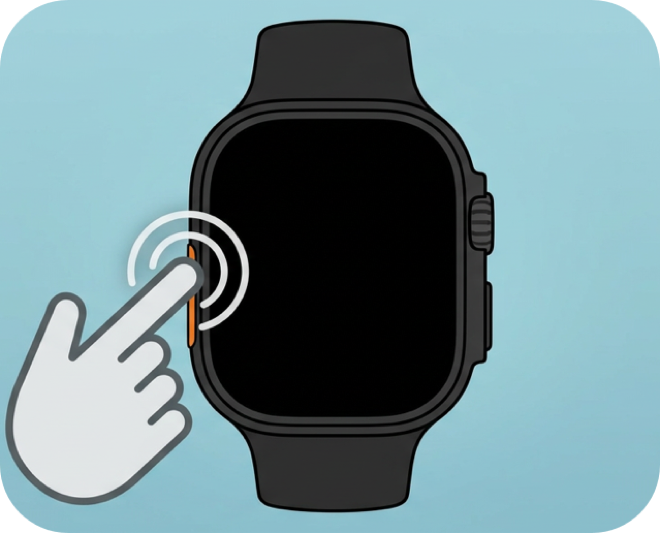
Press the orange Action Button on the side of your Apple Watch Ultra. Whisper Memos launches and starts recording immediately. No tapping, no navigating.
Perfect for outdoor activities, workouts, or any time you need truly instant, one-handed recording.
Whisper Memos is free to try, and surprisingly inexpensive to use. Get it in the App Store, and start writing by talking!