June 2026
Organize related memos with labels, assign labels manually or through agents, and send new memos to your own tools with custom webhooks.
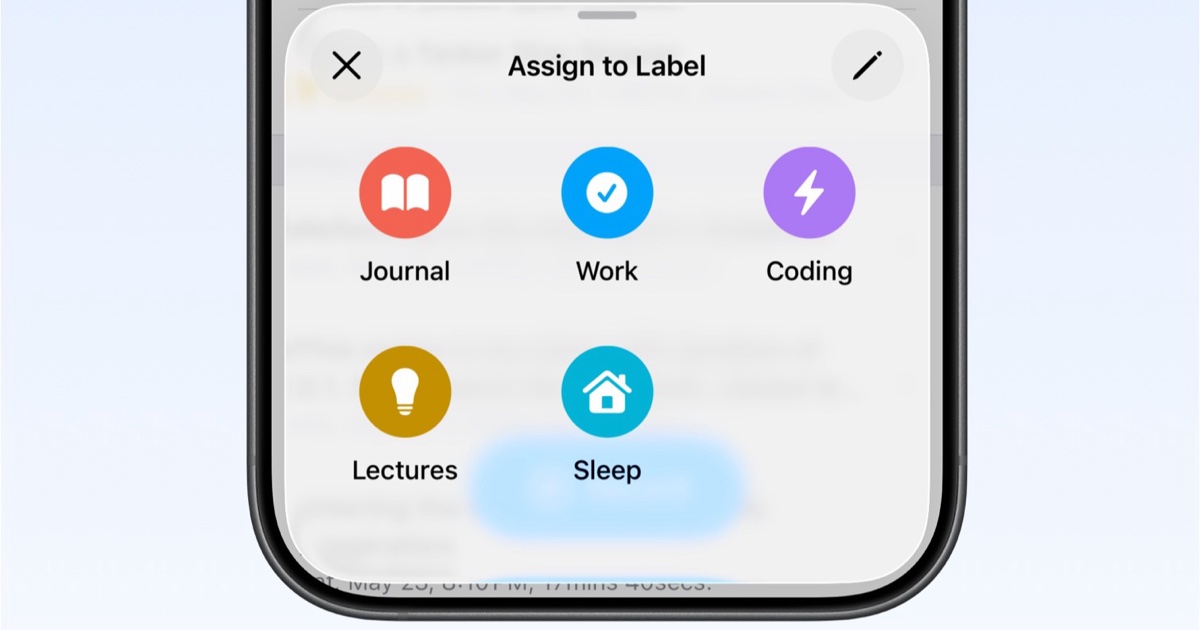
Labels give your memo list a second layer of structure. You can create labels like Journal, Ideas, Meetings, Clients, or Workouts, then use them to keep related recordings together without changing how quickly you capture a memo.
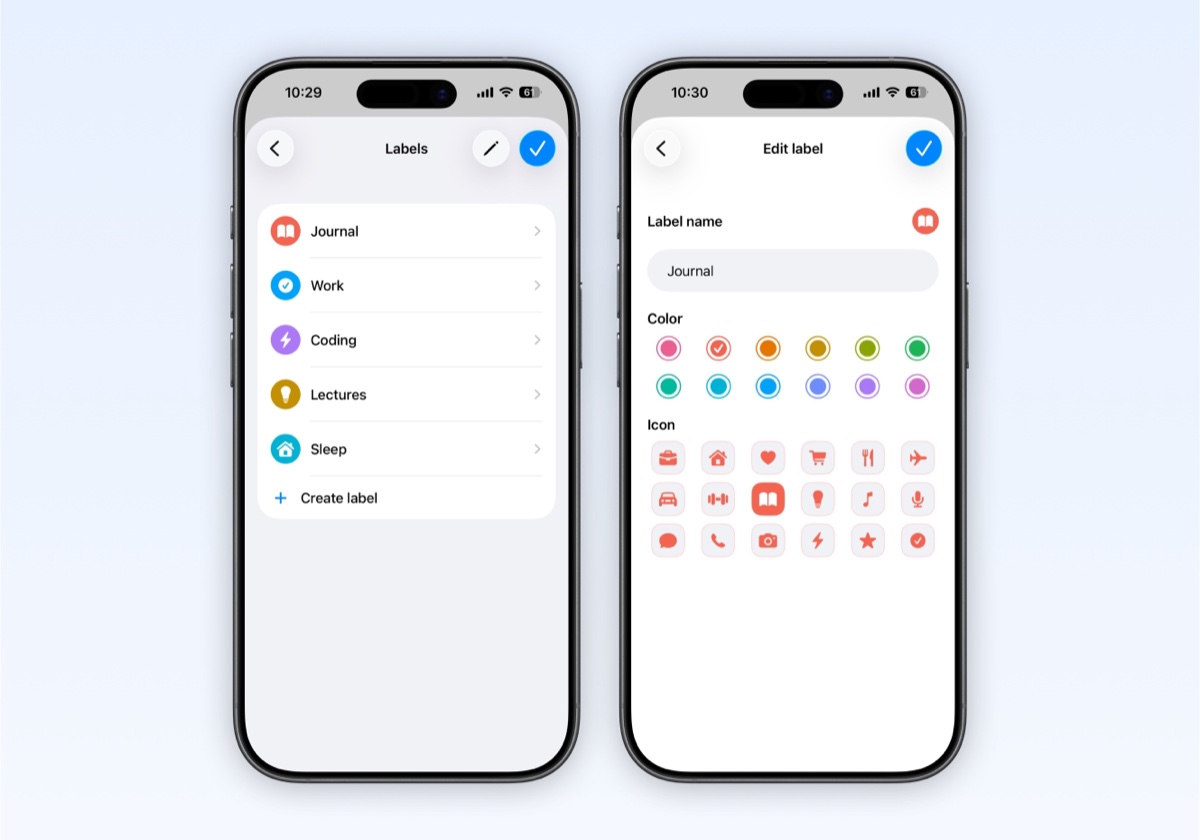
Create and manage labels in Settings → Labels. Each label can have its own name, color, and icon, so it is easy to spot in the memo list.
You can assign a label by hand from any memo. This is useful when you record first and decide where the memo belongs later.
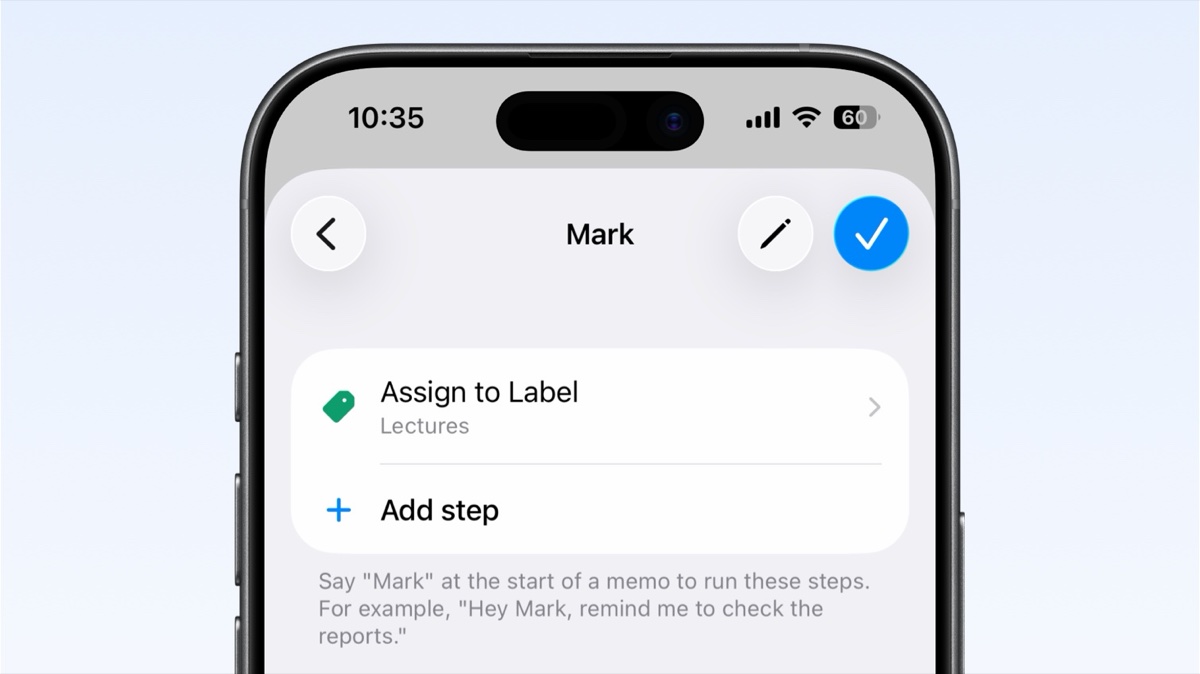
Labels also work with agents. Add an Assign Label step to an agent, and when that agent runs, Whisper Memos can label matching memos automatically.
For example, an agent for meeting notes can summarize the memo, send it to email, and label it as Meetings in one workflow.
Webhooks let Whisper Memos automatically send new memos and transcripts to your own tools. Set them up in Settings → Integrations → Webhooks.
Use them for custom dashboards, internal automations, personal scripts, or any workflow that starts with a spoken memo.
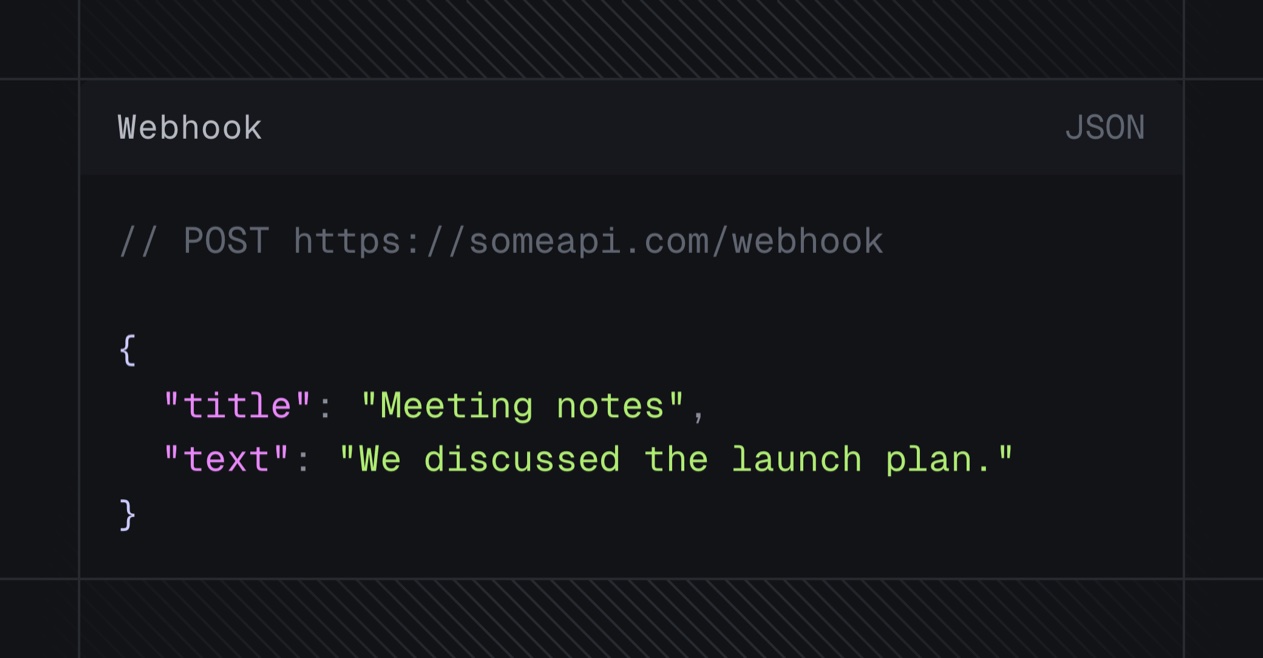
A webhook can also be used as an agent destination, so you can decide whether every memo should be sent somewhere, or only the memos that match a specific voice-triggered workflow.