September 2026
Optionally attach a location to new iPhone recordings, see it on a map, and keep that context with your memo.
Some thoughts are tied to where they happened: an idea on a walk, notes from a client visit, or a recommendation from a café. Whisper Memos can now optionally remember that context by attaching the place where a recording started.
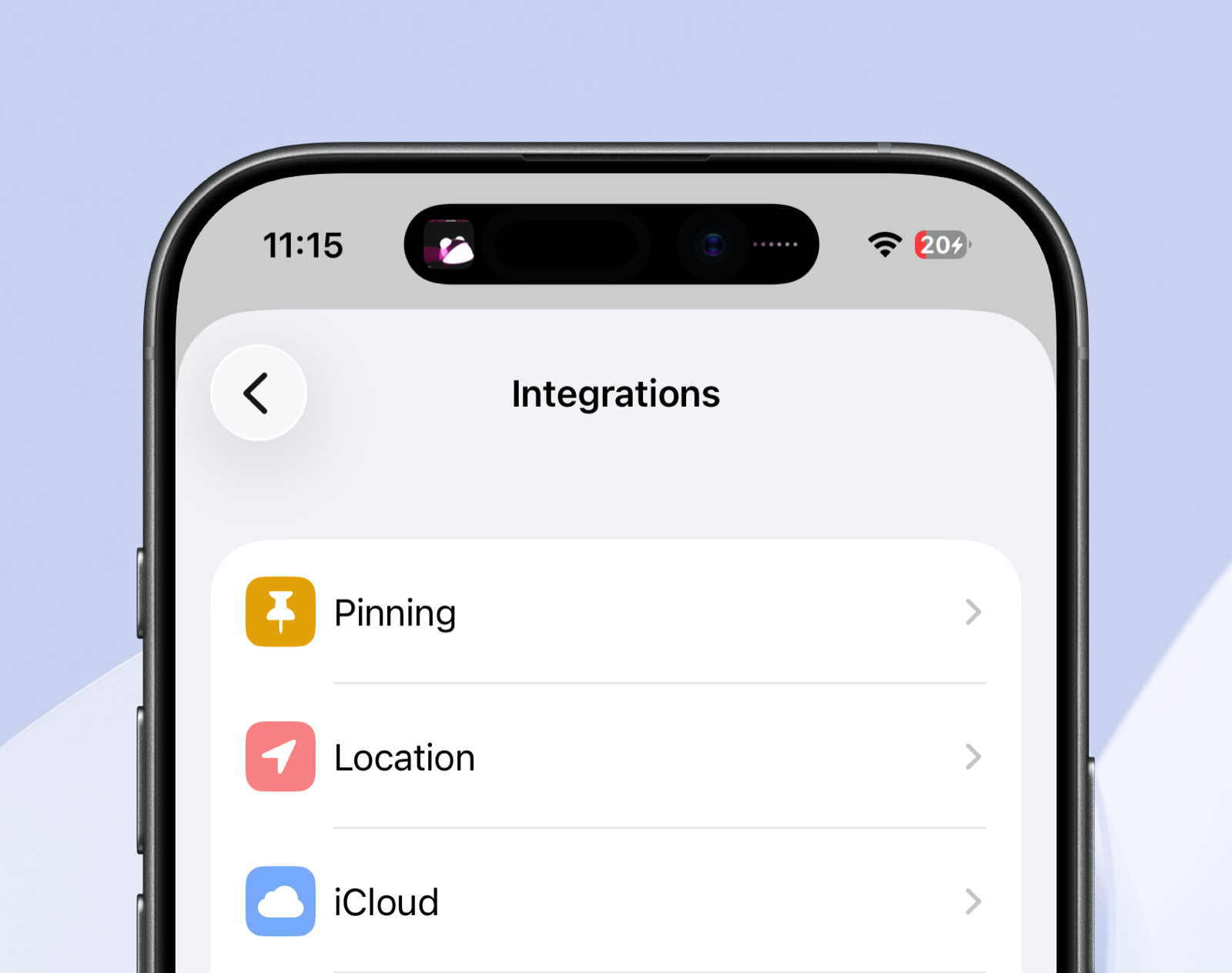
Open Settings → Integrations → Location and turn on Attach location to memos. New recordings made on that iPhone will include their location automatically.
A location marker appears alongside the memo details. Tap it to see the place on a map, then open it in Maps whenever you need directions or more context.
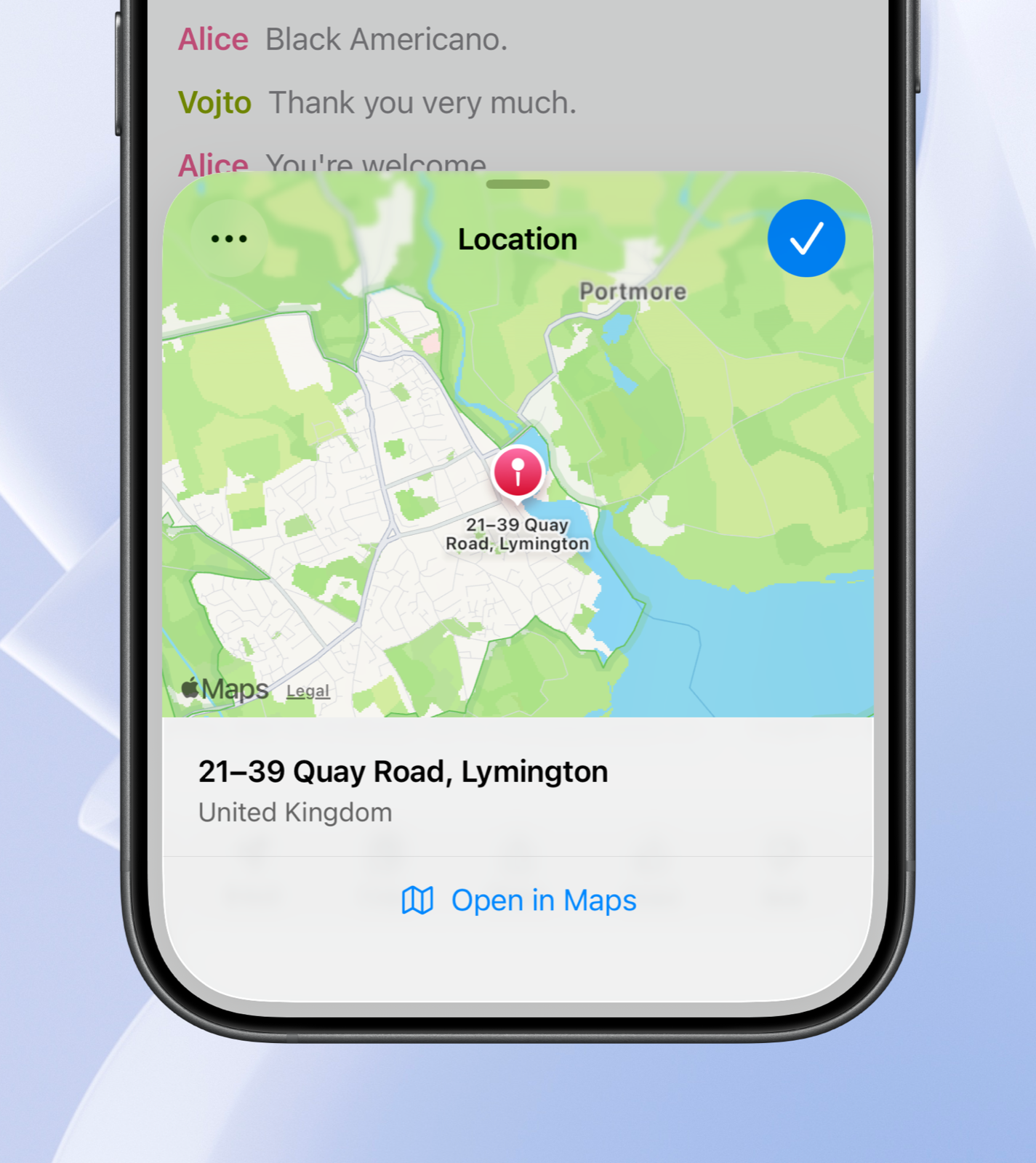
Transcript emails include the location too, with a direct map link above the transcript.
Location is off until you enable it. You can turn it off again at any time, or remove the location from an individual memo. It is not included in public shared links or sent through integrations.