September 2026
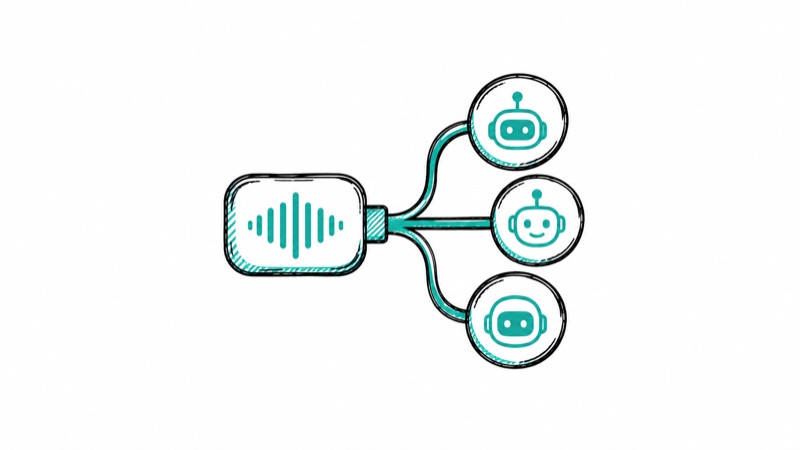
Connect Whisper Memos to Claude, ChatGPT, Codex, Cursor, and other AI assistants, then ask questions about your recordings in everyday language.
Your recordings often contain more than a single note. Ideas, decisions, reminders, and useful details can build up across days or weeks. Until now, finding and combining that information meant opening each memo yourself.
The new Whisper Memos MCP server lets AI assistants such as Claude, ChatGPT, Codex, and Cursor read your memos when you ask. You can search your recordings, bring related thoughts together, and turn spoken ideas into something useful without copying and pasting transcripts.
MCP stands for Model Context Protocol. It is a common standard that lets AI assistants connect to other apps and use the information inside them. Think of it as a secure bridge between Whisper Memos and the assistant you already use.
You do not need an API key or any technical knowledge. Add the Whisper Memos server to your AI assistant, approve the connection on your iPhone, and start asking questions in everyday language.
Once connected, you can ask things like:
Your assistant searches the relevant transcripts and uses them to answer. If it does not choose Whisper Memos automatically, mention “my Whisper Memos” in your request.
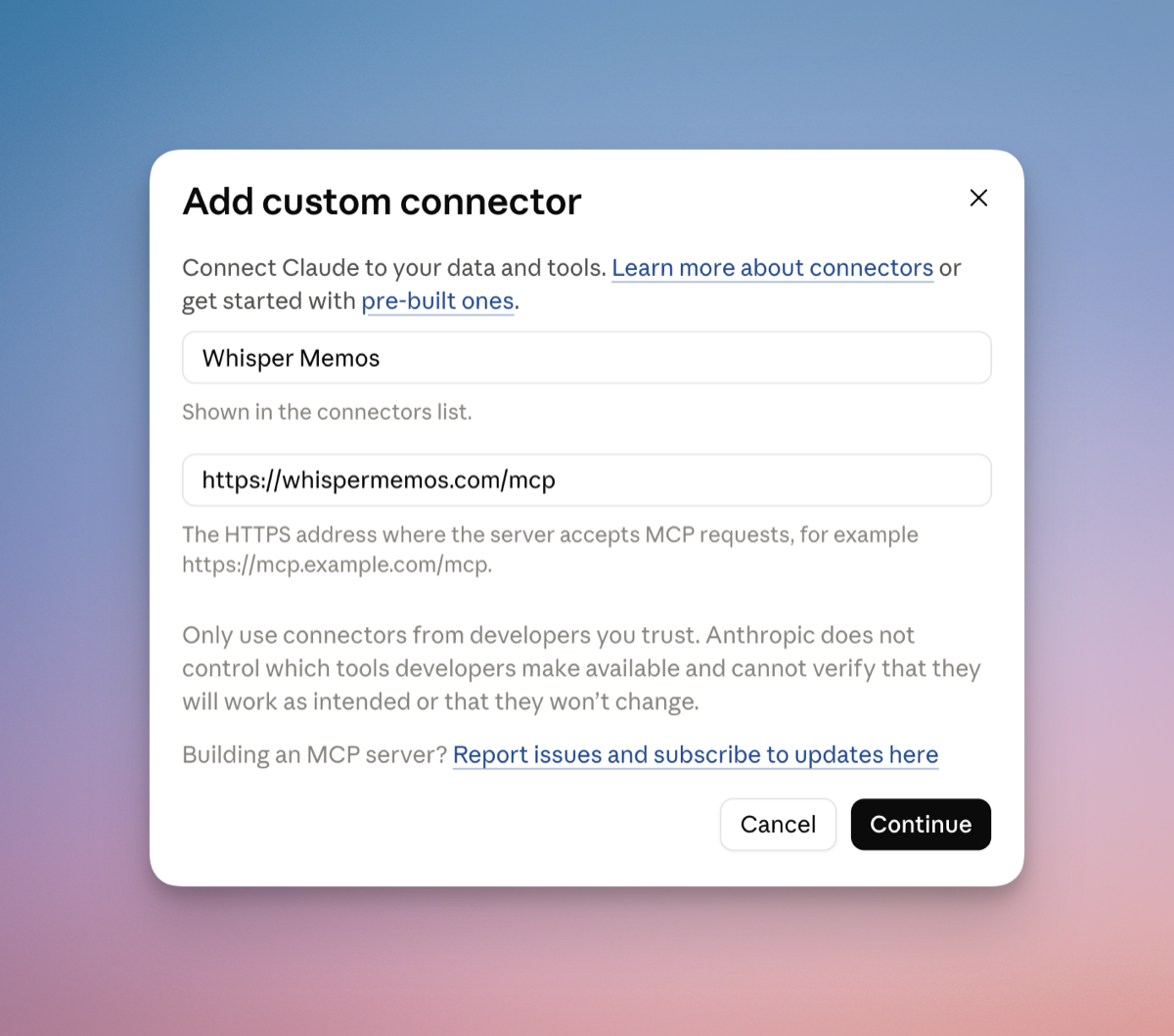
Open Settings → Integrations → MCP Server in Whisper Memos. There you will find setup instructions and the server address: https://whispermemos.com/mcp.
In your AI assistant, look for an option to add a custom connector or remote MCP server. Give it the name Whisper Memos, paste the server address, and continue.
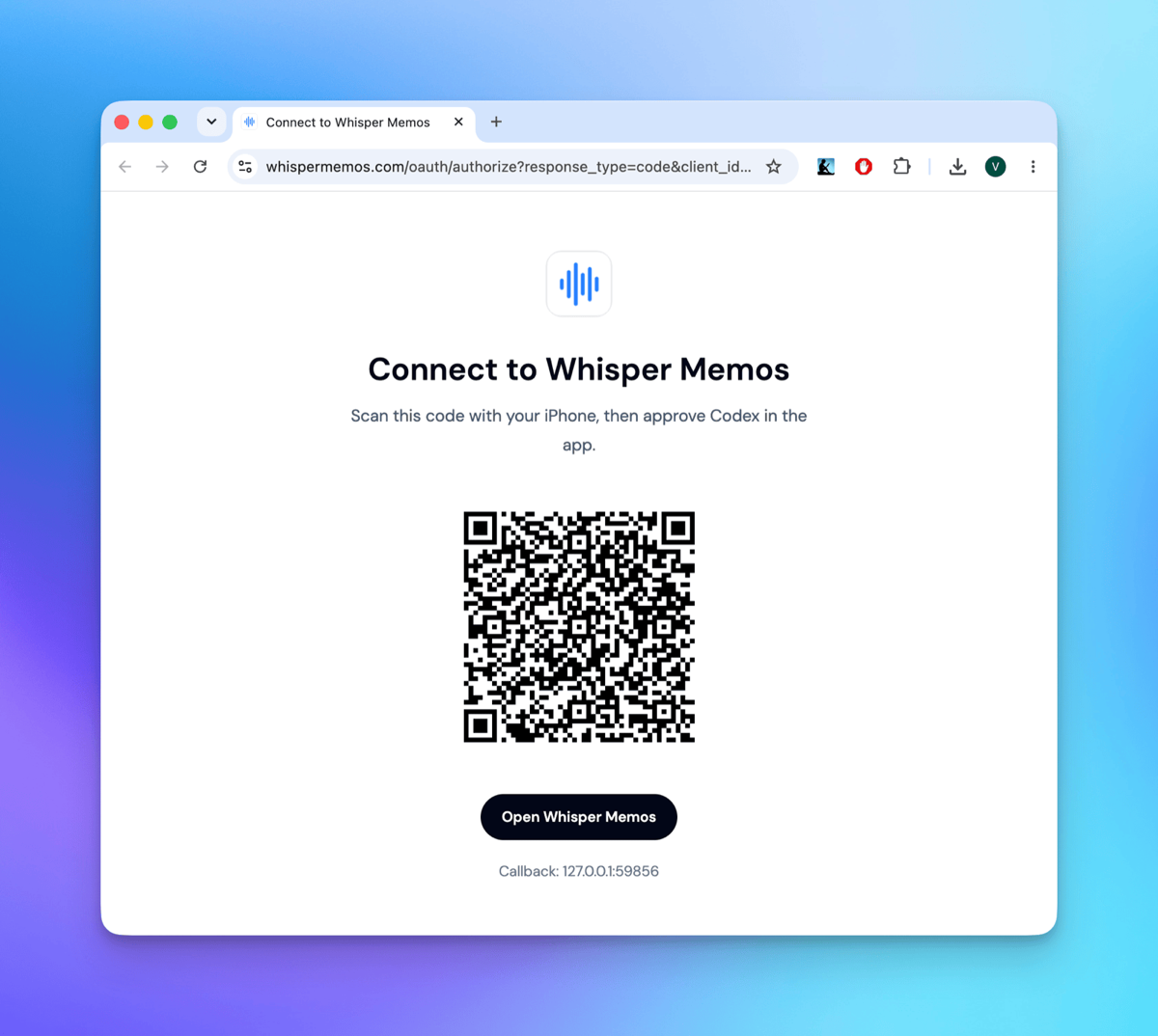
Your assistant will open a secure Whisper Memos page with a QR code. Scan it with your iPhone, then approve access in the Whisper Memos app. If you are already viewing the page on your iPhone, tap Open Whisper Memos instead.
MCP access is read-only. A connected assistant can read your memo transcripts, summaries, and labels. It cannot listen to your audio recordings, create or edit memos, or delete anything.
Nothing is shared until you approve the connection in Whisper Memos. You can disconnect an assistant at any time, and connections that are not used for 30 days expire automatically.
Once connected, your assistant can combine your memos with other tools it can access. This walkthrough shows one advanced way to turn a day of recordings into organized notes automatically.
Read the complete MCP setup guide for instructions for Claude, ChatGPT, Codex, Claude Code, Cursor, and other compatible apps. Once connected, try asking: “What did I record today?”