September 2026
A free transcription tool on the web: upload a recording, verify your email, and get a readable transcript back. No app, no account.
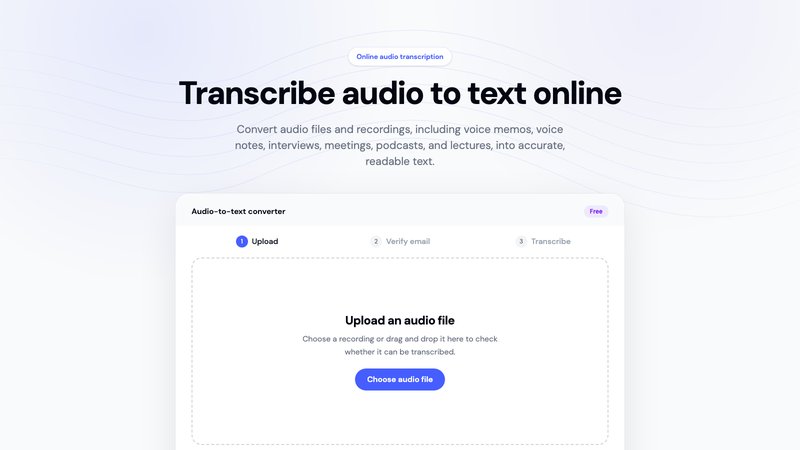
You can now transcribe a recording straight from the web, for free, at whispermemos.com/en/tools/transcribe-audio. Drop in an audio file, and the same transcription pipeline that powers Whisper Memos turns it into readable text.
It's built for the moment when you already have a recording and just need the words: a voice memo from someone else's phone, an interview, a lecture, a meeting someone forwarded you. No download, no account, nothing to set up.
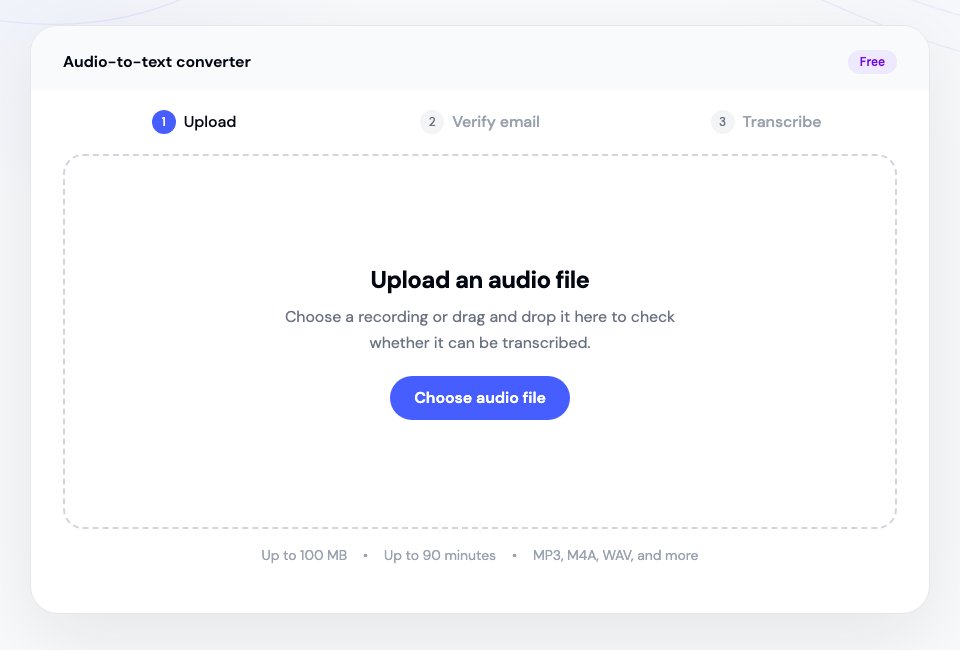
Upload. Choose a file or drag it onto the page. We check the format, size, and length right away, before asking you for anything, so you know immediately whether it can be transcribed. Files can be up to 100 MB and 90 minutes long, in M4A, MP3, WAV, AAC, FLAC, OGG, CAF, or WebM.
Verify your email. Enter your address and confirm the six-digit code we send you. This is what keeps a free, open transcription tool from being abused, and it's how we know where to send the result.
Get your transcript. Transcription starts once you're verified, and the finished text arrives by email, formatted into paragraphs instead of one long block. You can close the page while it runs.
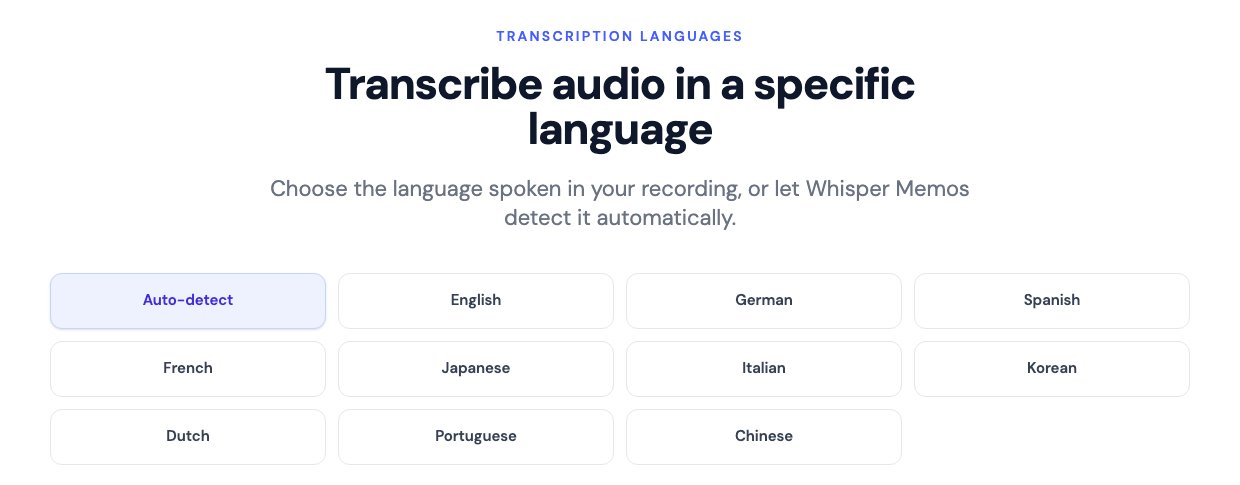
Whisper Memos detects the spoken language on its own, but you can also go straight to a page for the language in your recording: English, Spanish, French, German, Portuguese, Japanese, Chinese, Italian, Korean, or Dutch. Telling us the language up front helps names and sentences come through correctly.
Open the online transcription tool and upload something you've been meaning to read instead of replay. If you'd rather record and transcribe in one step, on your phone or your wrist, Whisper Memos does that too.