November 2026
Dictate with Whisper Memos in any app. Tap the mic on the keyboard, speak, and your words appear right where you are typing.
Whisper Memos now has its own keyboard. Use it in Messages, Notes, Mail, or any other app. Tap the mic, speak, and your words appear right where you're typing.
It's a full keyboard too, with word suggestions, so you can fix a word or keep typing without switching back. Nothing is saved as a memo. Your words just go straight into the text field.
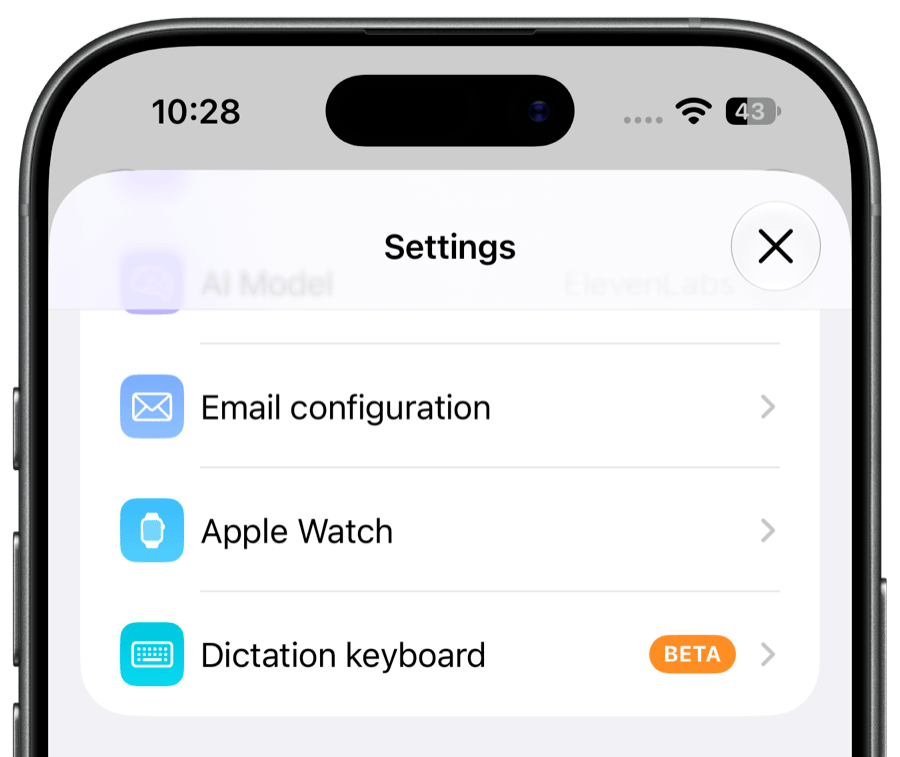
Open Settings → Dictation keyboard in Whisper Memos and follow the steps. You can also pick what matters more to you: the most accurate text, or getting your text sooner.
The dictation keyboard is in beta and needs iOS 26 or later. Try it out and tell us what you think.