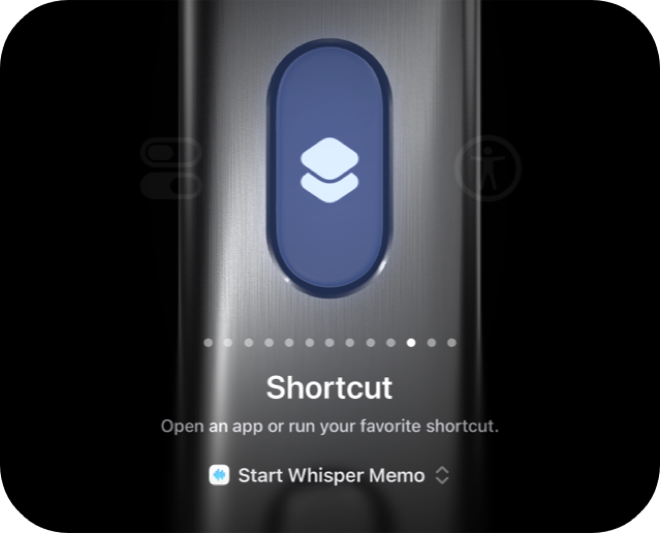
The Action Button on iPhone 15 Pro and later can be configured to start recording with a single press - even when your phone is locked.
Prefer to follow along? Watch the video guide on YouTube.
Press and hold the Action Button on the side of your iPhone. Whisper Memos launches and starts recording immediately. This works even from the lock screen.
The Action Button is ideal for situations where you can't look at your screen - like when you're driving or in a dark room.
Whisper Memos is free to try, and surprisingly inexpensive to use. Get it in the App Store, and start writing by talking!