Double or triple-tap the back of your iPhone to start recording. It's a hidden iOS feature that works even through most cases.
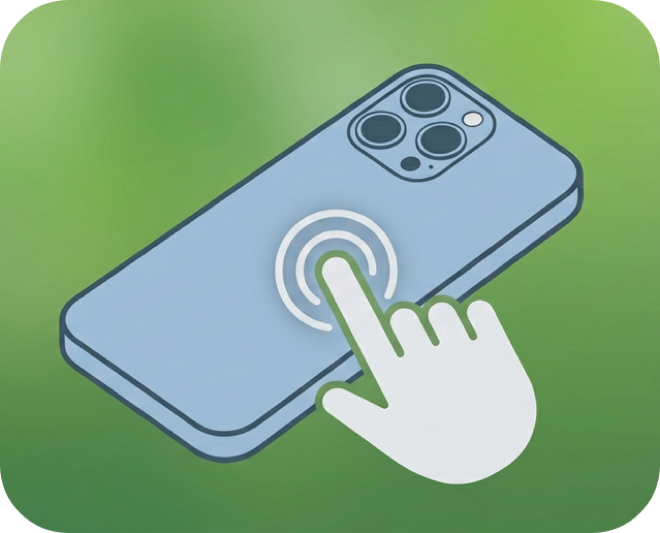
Tap the back of your iPhone twice (or three times) and Whisper Memos starts recording. It works even through most phone cases.
Back Tap is one of iOS's best hidden features. It gives you a physical gesture to trigger recording without pressing any buttons or looking at the screen.
Whisper Memos is free to try, and surprisingly inexpensive to use. Get it in the App Store, and start writing by talking!