iOS 18 lets you add Whisper Memos to Control Center. Swipe down from the top right corner and tap to start recording from anywhere.
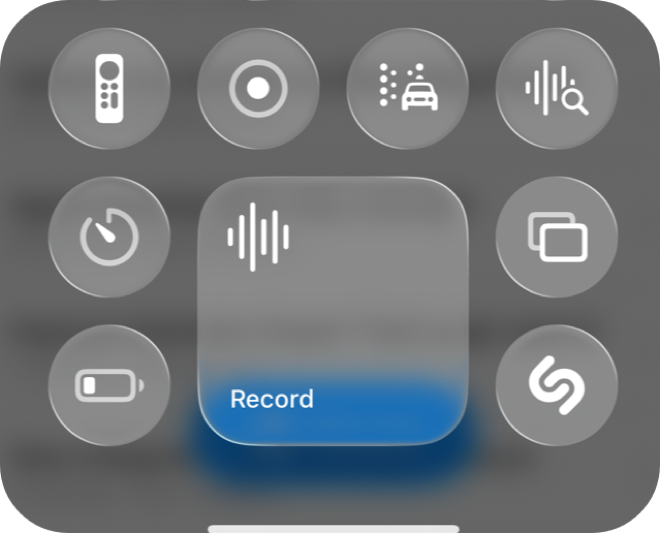
Swipe down from the top right corner of your screen to open Control Center, then tap the Whisper Memos control. Recording starts immediately.
Control Center is accessible from any app and from the lock screen, making it one of the most versatile ways to start recording quickly. Requires iOS 18 or later.
Whisper Memos is free to try, and surprisingly inexpensive to use. Get it in the App Store, and start writing by talking!