Put a recording button right on your home screen. One tap takes you straight into recording - no navigating through the app.
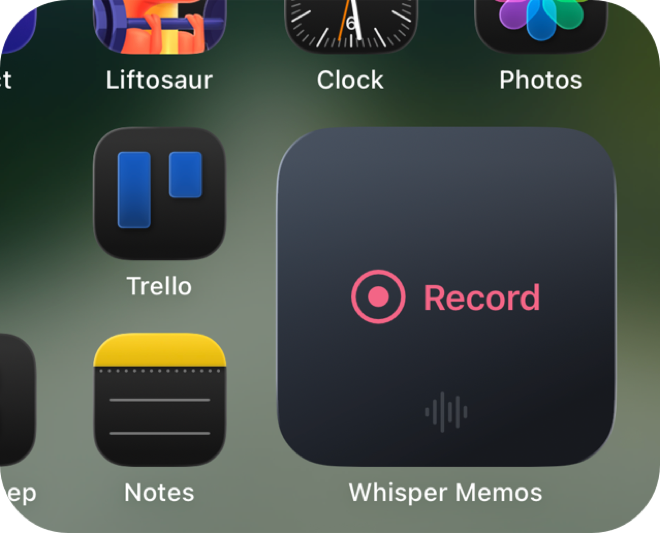
Tapping the widget launches Whisper Memos and immediately starts recording. No extra taps, no menus. It's like having a dedicated record button on your phone.
Place it on your main home screen for the fastest possible access.
Whisper Memos is free to try, and surprisingly inexpensive to use. Get it in the App Store, and start writing by talking!