The lock screen widget is the fastest way to start recording. One tap and you're capturing your thought - no searching for the app, no friction.
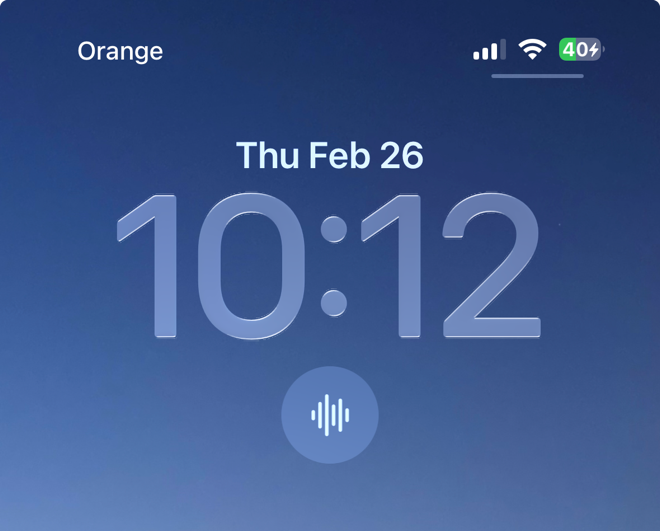
Once the widget is on your lock screen, just tap it. Whisper Memos opens directly into recording mode. Your idea is captured in seconds.
This is perfect for those moments when you wake up with an idea, or when you're walking and need to capture a thought before it disappears.
Whisper Memos is free to try, and surprisingly inexpensive to use. Get it in the App Store, and start writing by talking!