Long press the Whisper Memos app icon to reveal quick actions, including a shortcut to start recording instantly.
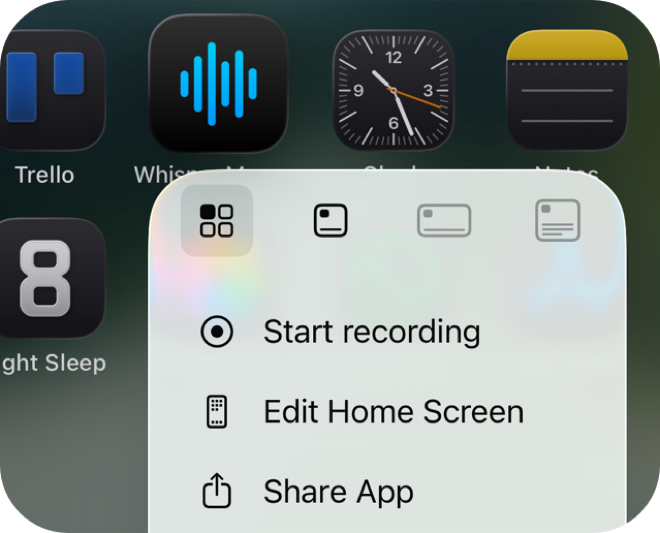
Quick actions are built into iOS - no setup needed. Long pressing the app icon shows a menu with "Start Recording" as an option. Tap it and you're recording.
This is handy when you can see the app icon but want to skip the app's main screen entirely.
Whisper Memos is free to try, and surprisingly inexpensive to use. Get it in the App Store, and start writing by talking!