Add Whisper Memos to your Apple Watch face as a complication. One tap and you're recording - your phone can stay in your pocket.
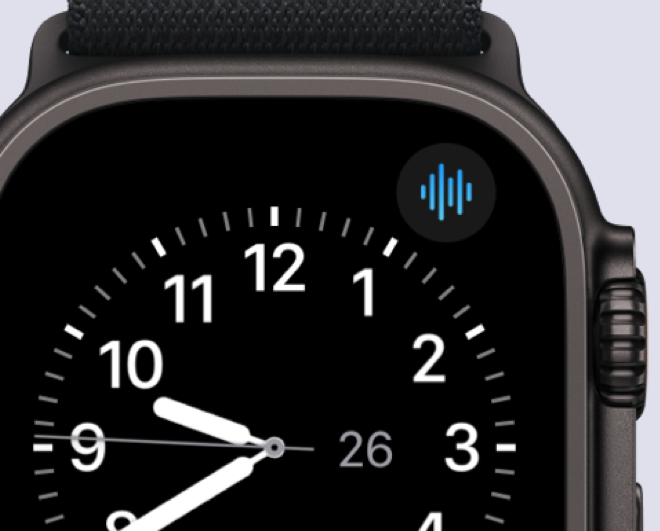
Tap the complication on your watch face and Whisper Memos opens, ready to record. Your recording is transcribed and synced to your phone automatically.
You can choose whether recording starts immediately after tapping the complication, or whether an extra tap is needed. Open Whisper Memos settings and go to the Apple Watch section to configure this.
This is the best way to capture ideas when you're exercising, walking, or anytime reaching for your phone isn't convenient.
Whisper Memos is free to try, and surprisingly inexpensive to use. Get it in the App Store, and start writing by talking!