Labels
Labels help you keep related memos together in Whisper Memos. Use them for groups like Journal, Ideas, Meetings, Work, or anything else you want to review separately.
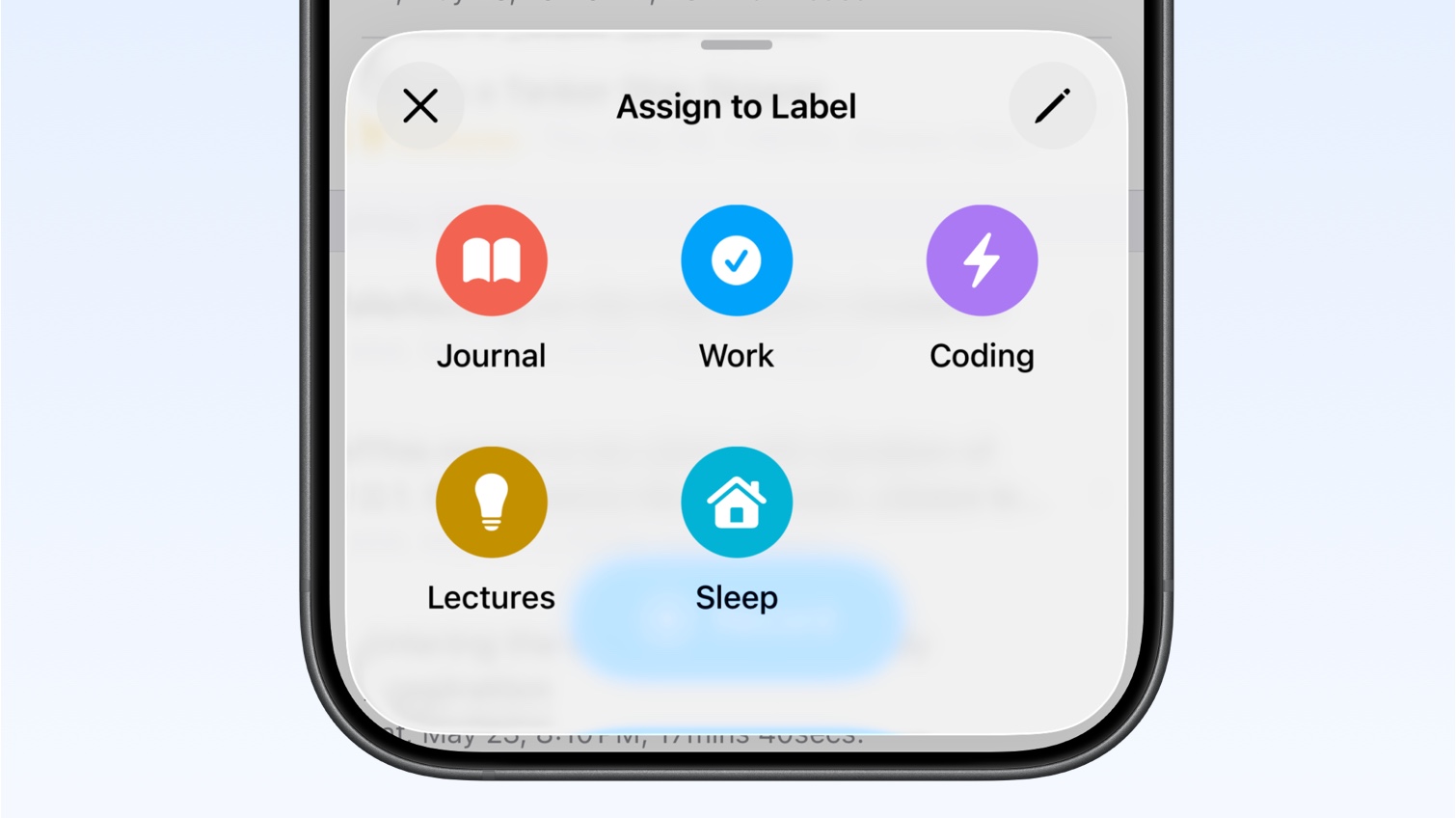
When to use labels
Section titled “When to use labels”Use labels when you want to organize memos without changing where they are delivered. For example:
- Keep journal entries separate from work notes
- Group meeting notes together
- Collect ideas you want to review later
- Separate client, project, or personal memos
Each memo can have one label. After a memo has a label, Whisper Memos shows that label in the all-memos list.
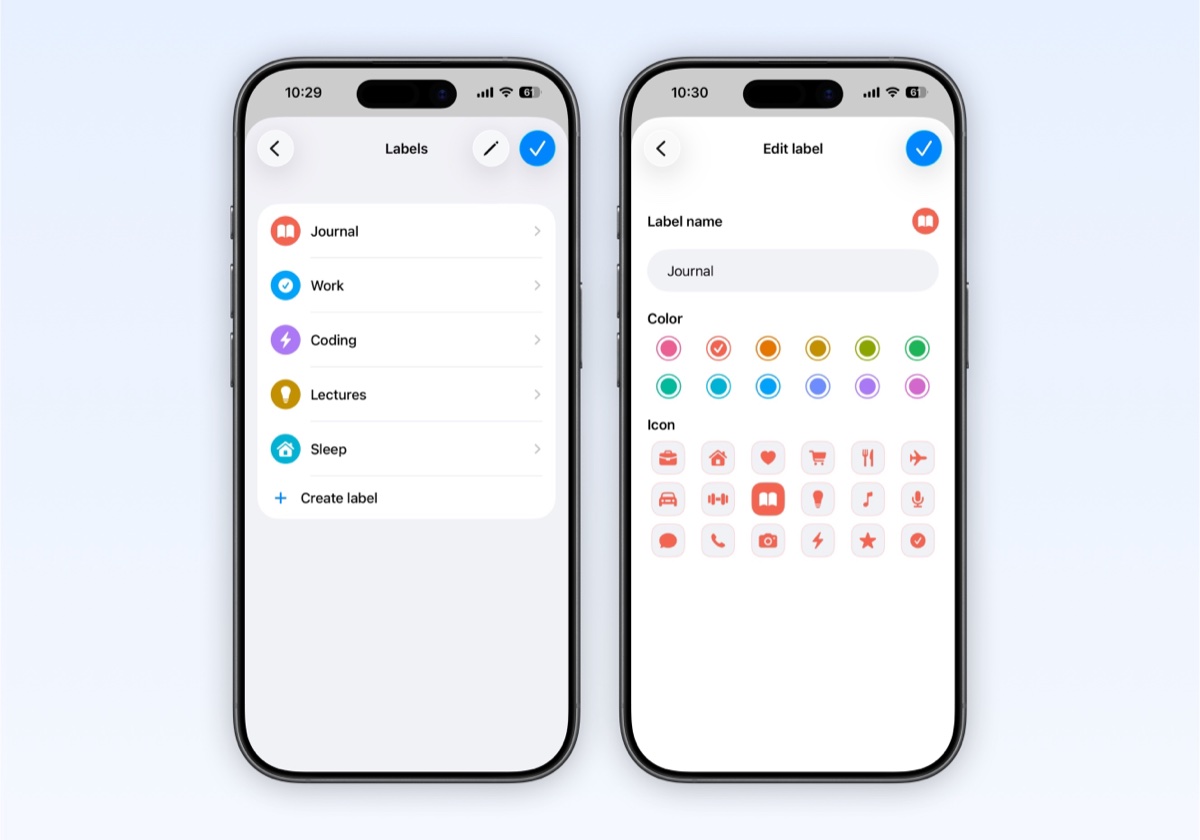
Create a label
Section titled “Create a label”- Open Settings
- Tap Labels
- Tap Create label
- Enter a label name
- Choose a color and icon
- Tap Done
You can edit labels later from the same screen. If you have multiple labels, tap Edit to reorder them.
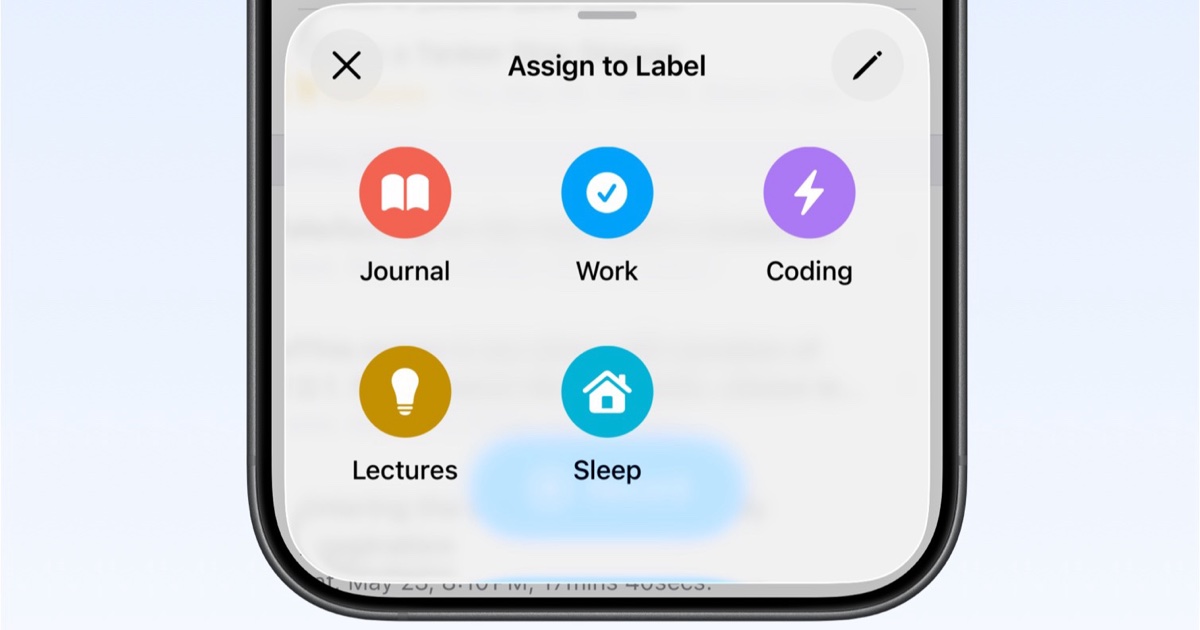
Assign a label to a memo
Section titled “Assign a label to a memo”- Find the finished memo in your list
- Long-press the memo, or open the memo actions menu
- Choose Assign to Label
- Pick a label
To remove a label, open Assign to Label again and choose Clear label.
View labeled memos
Section titled “View labeled memos”Open a label to see only memos assigned to it. This gives you a focused list without changing or deleting anything from the main memo list.
Label automatically with agents
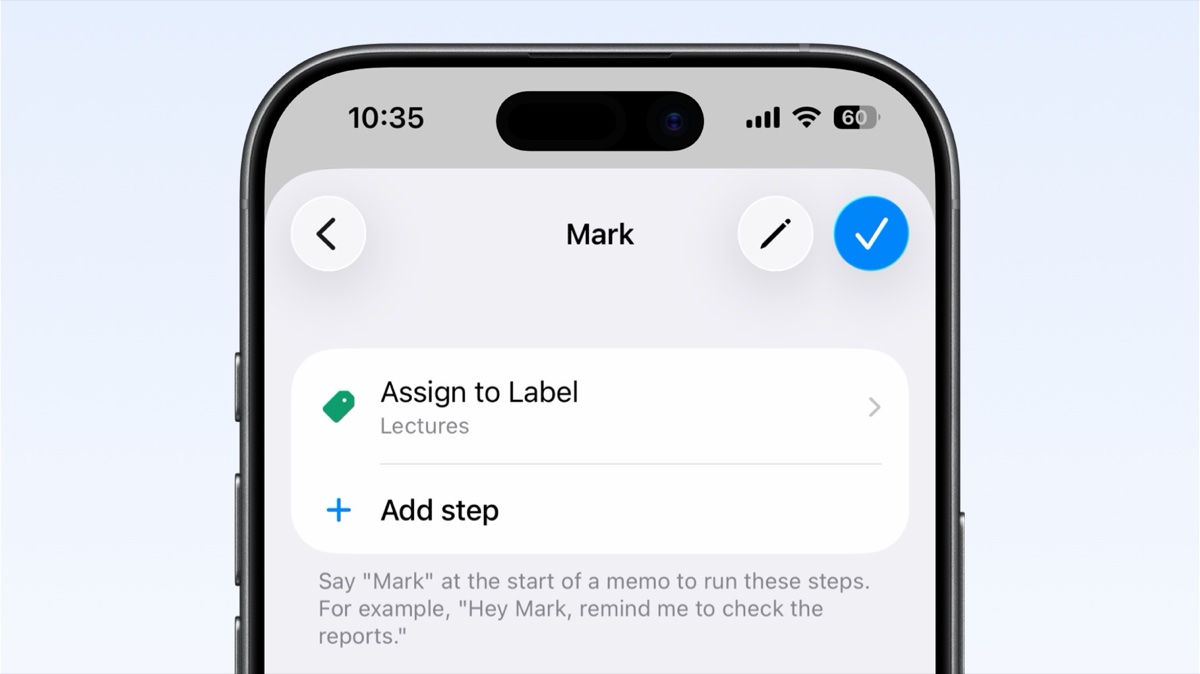
Section titled “Label automatically with agents”Agents can assign labels for you when they run.
- Open Settings
- Tap Agents
- Create a new agent or edit an existing one
- Add an Assign label step
- Choose the label
- Save the agent
When that agent runs, Whisper Memos applies the label automatically. You can trigger the agent by saying its name at the start of a memo, or by assigning the agent after recording.
Labels and integrations
Section titled “Labels and integrations”Labels are primarily for organizing memos. A label step does not send the memo anywhere by itself. If a memo should also be delivered somewhere else, use another agent or integration step alongside the label step.
For example, a meeting agent could:
- Create a summary
- Send the memo to email
- Assign the Meetings label
- Use short label names so they are easy to scan in the memo list
- Use distinct colors for labels you check often
- Use labels for organization, and use agents when a memo should also trigger delivery or automation
- Add an Assign label step to an agent when a workflow always belongs in the same category